Designing a Self-Serve Form Builder for Healthcare Teams
Designing a Self-Serve Form Builder for Healthcare Teams
Designing a Self-Serve Form Builder for Healthcare Teams
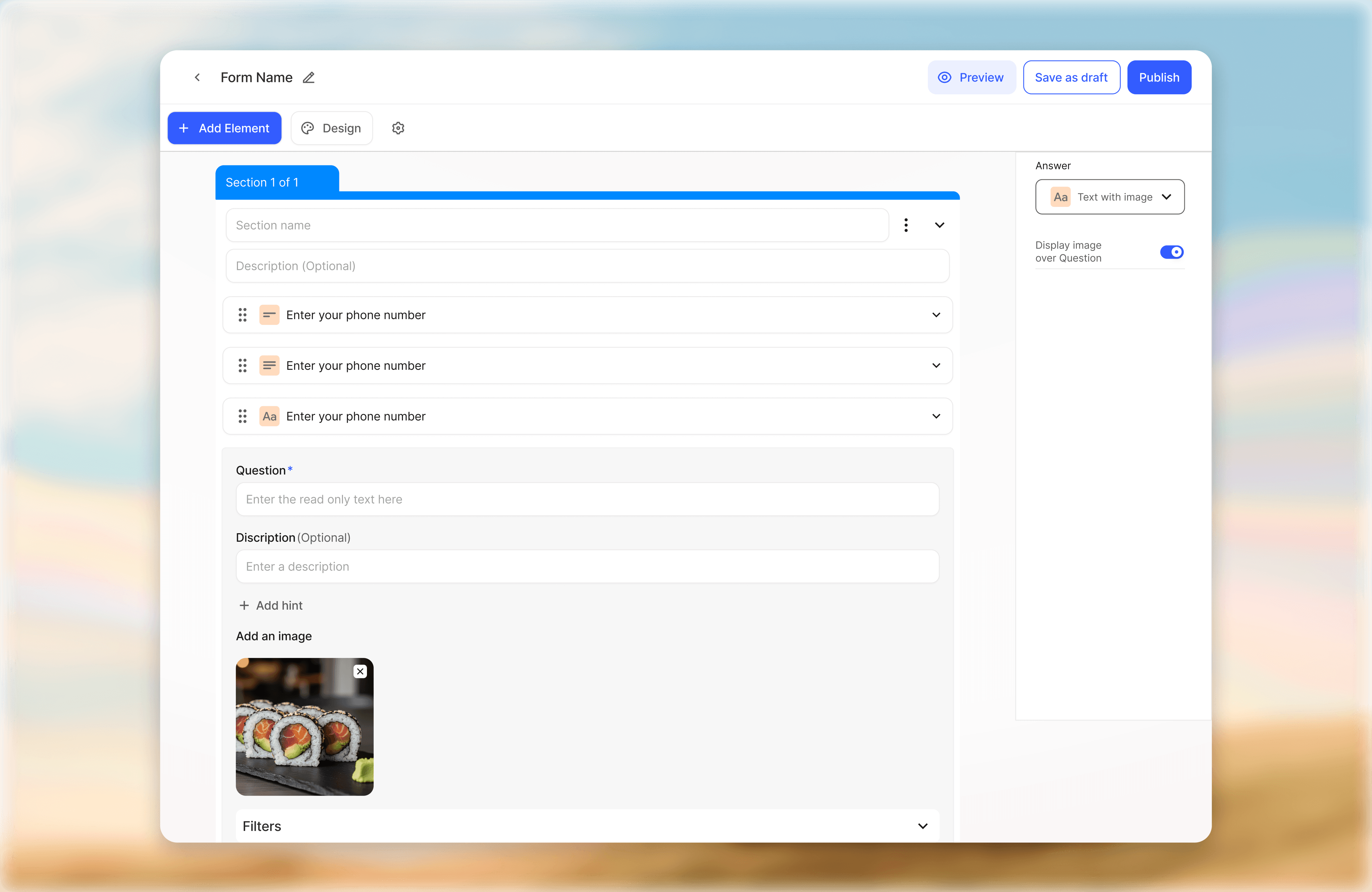
Designed a scalable form builder that enabled hospital staff to independently create, manage, and control forms without engineering dependency. The system simplified operational workflows through structured form creation, conditional logic, and centralized management.
Designed a scalable form builder that enabled hospital staff to independently create, manage, and control forms without engineering dependency. The system simplified operational workflows through structured form creation, conditional logic, and centralized management.
My Role
Product Designer
Sector
Healthcare SaaS
Operational Workflow Systems
My Team
1 Product Designer
Product Manager
Engineering Team
Timeline
Dec 2025- Dec 2025
My Role
Product Designer
Sector
Healthcare SaaS
Operational Workflow Systems
Timeline
Dec 2025- Dec 2025
My Team
1 Product Designer
Product Manager
Engineering Team
Summary
Summary
Challenge
Challenge
Challenge
Hospital teams relied on engineering support for even small form updates, making workflows slow, repetitive, and difficult to scale. Existing systems lacked structured workflows and intuitive logic controls for non-technical users.
Solution
Solution
Solution
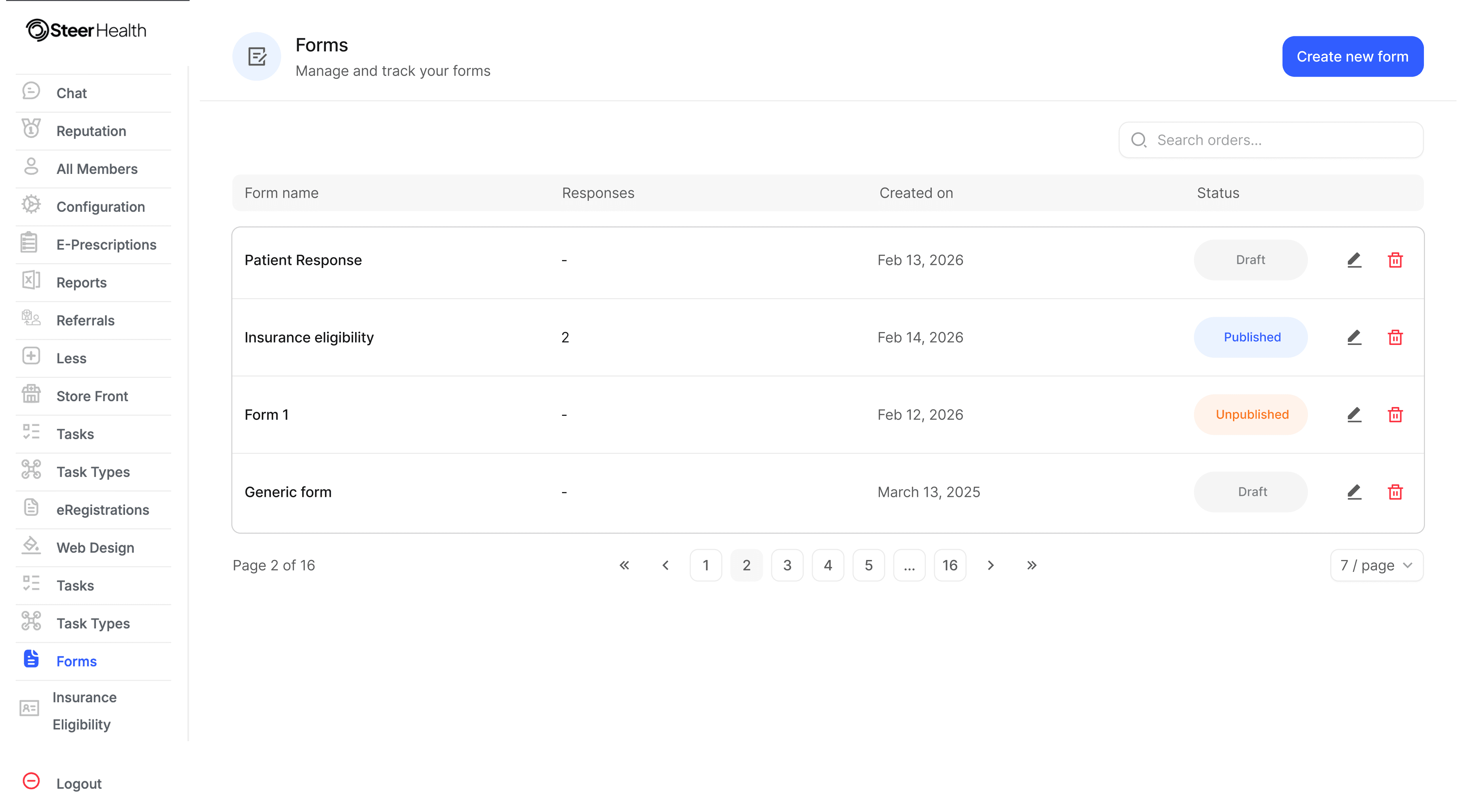
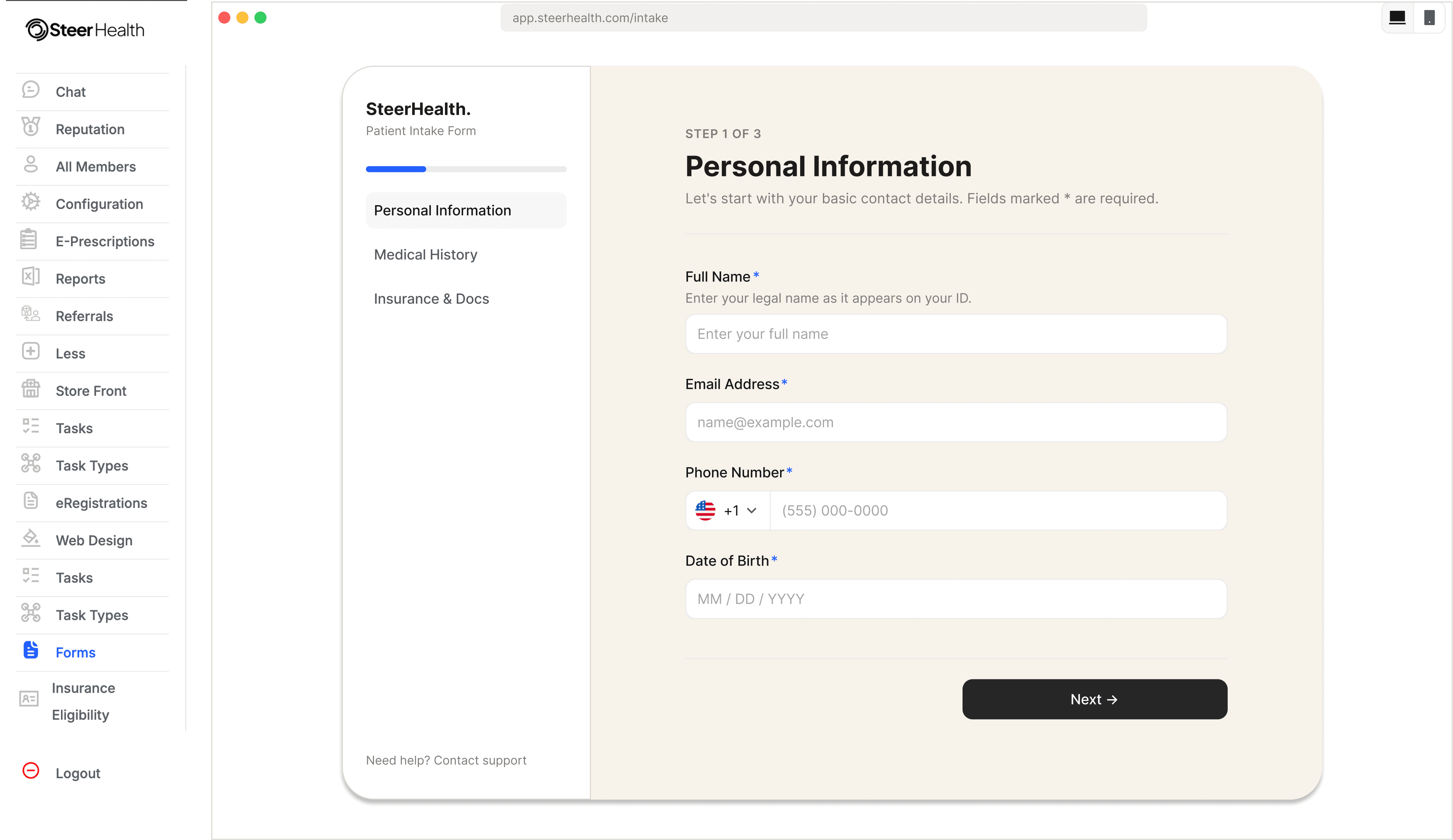
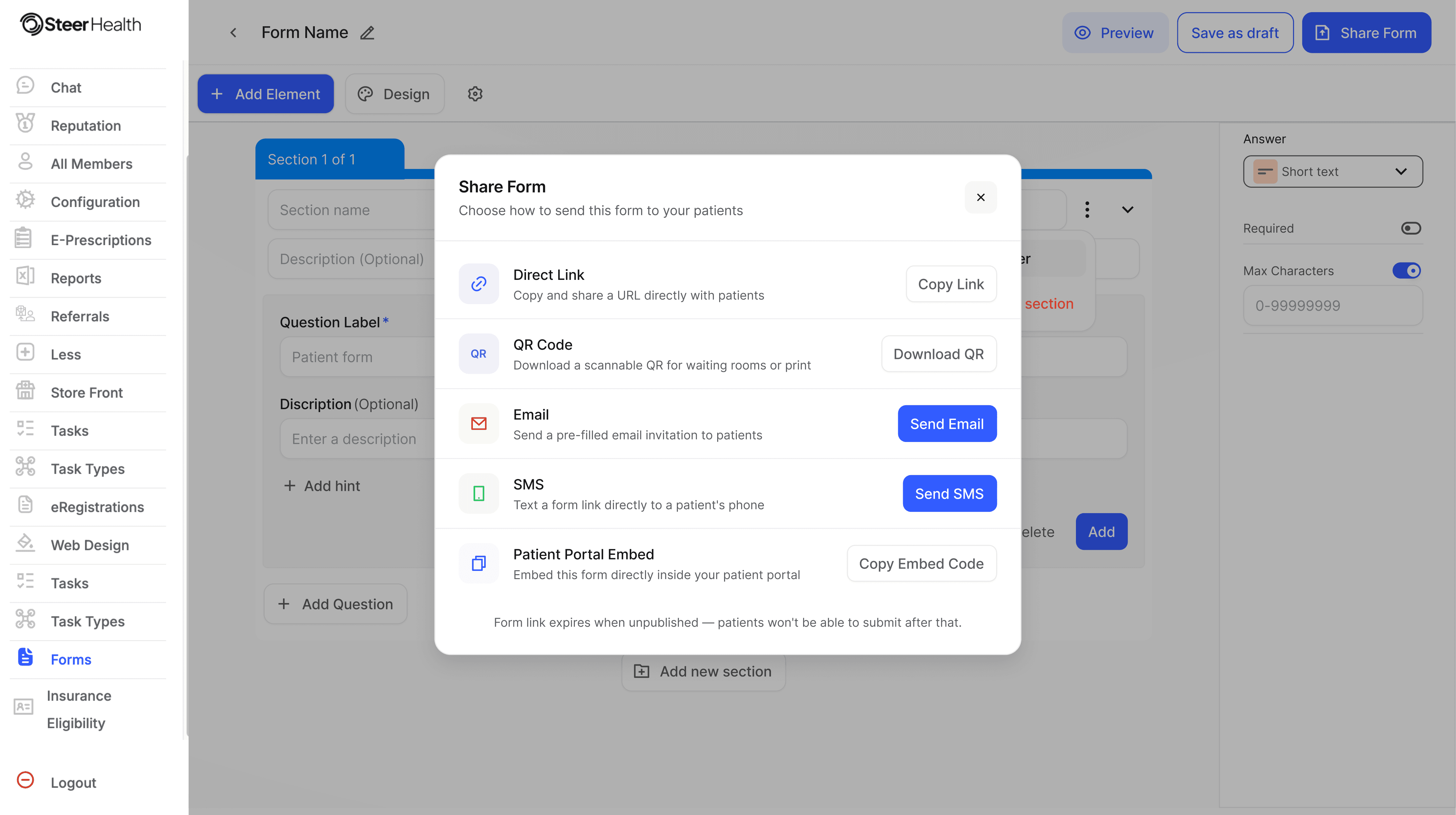
Designed a self-serve form builder with guided workflows, simple logic building, real-time previews, and centralized management — enabling hospital staff to independently create and manage forms with ease.
Impact
Impact
Impact
Improved operational efficiency by reducing engineering dependency, achieving ~50% faster form iterations and ~30% fewer setup errors, while making complex workflows easier for non-technical teams to manage.
02 — Research
02 — Research
02 — Research
Through stakeholder discussions, workflow analysis, and product understanding, a few clear patterns emerged:Create forms independently
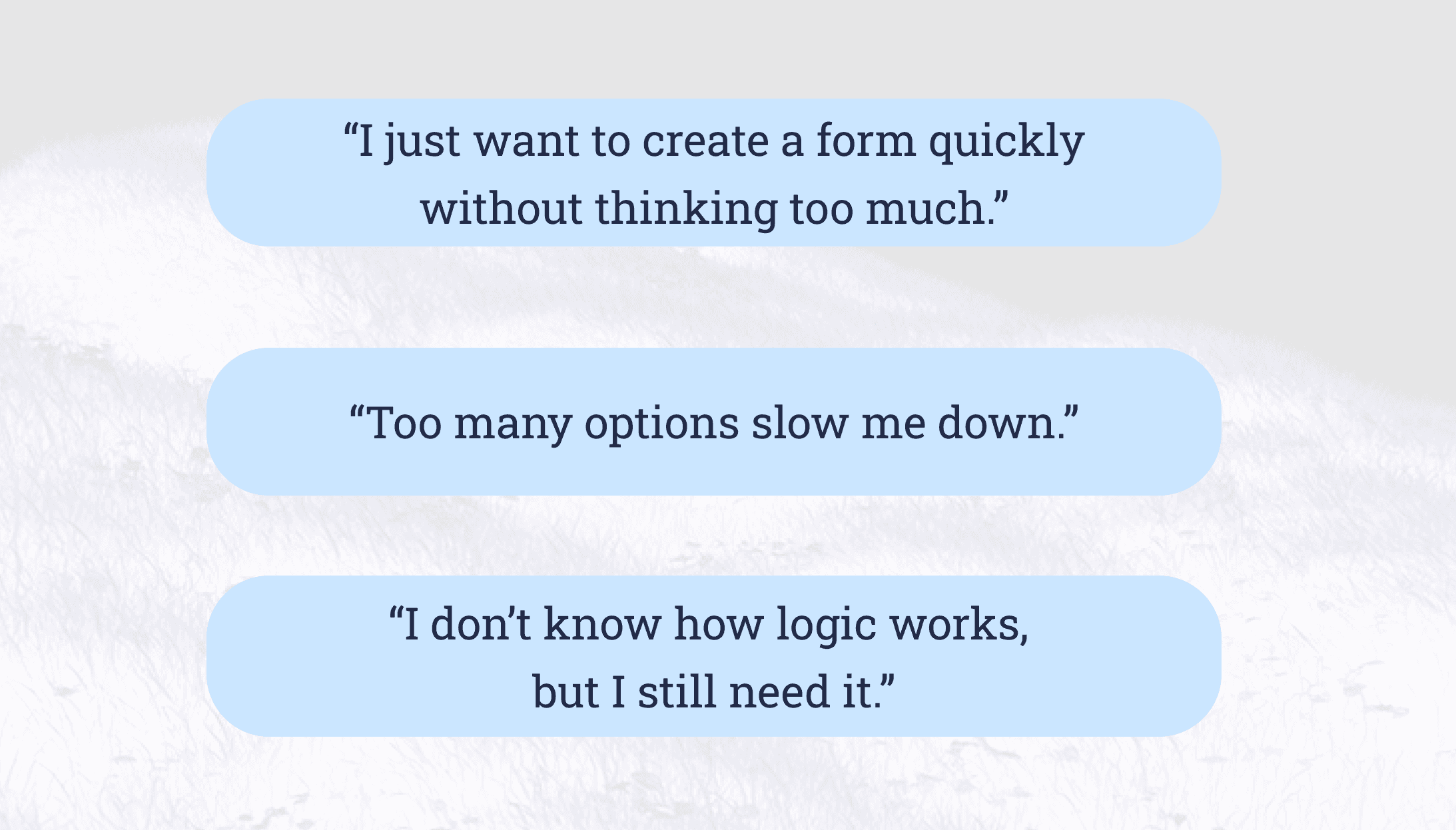
Users preferred visual workflows over technical configurations
Too many options increased decision fatigue
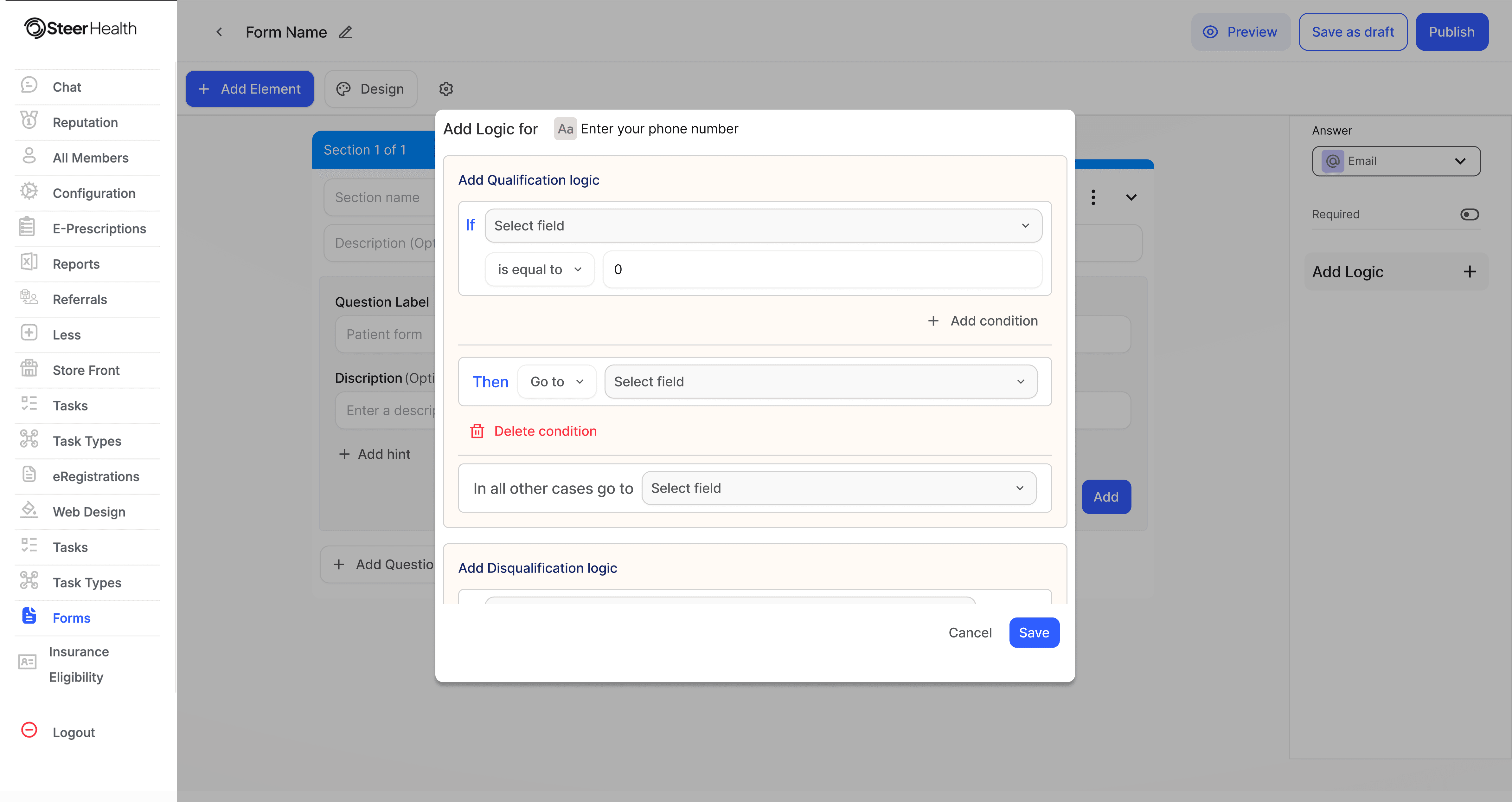
Conditional logic was difficult to manage
Reusable templates significantly improved efficiency
Users needed stronger visibility into workflow behavior before publishing.
These insights helped shape a more guided and structured experience
Through stakeholder discussions, workflow analysis, and product understanding, a few clear patterns emerged:Create forms independently
Users preferred visual workflows over technical configurations
Too many options increased decision fatigue
Conditional logic was difficult to manage
Reusable templates significantly improved efficiency
Users needed stronger visibility into workflow behavior before publishing.
These insights helped shape a more guided and structured experience
Core Insight
Core Insight
Form building is not a creative task — it’s an operational task.
Form building is not a creative task — it’s an operational task.
03- Users
03- Users
03- Users
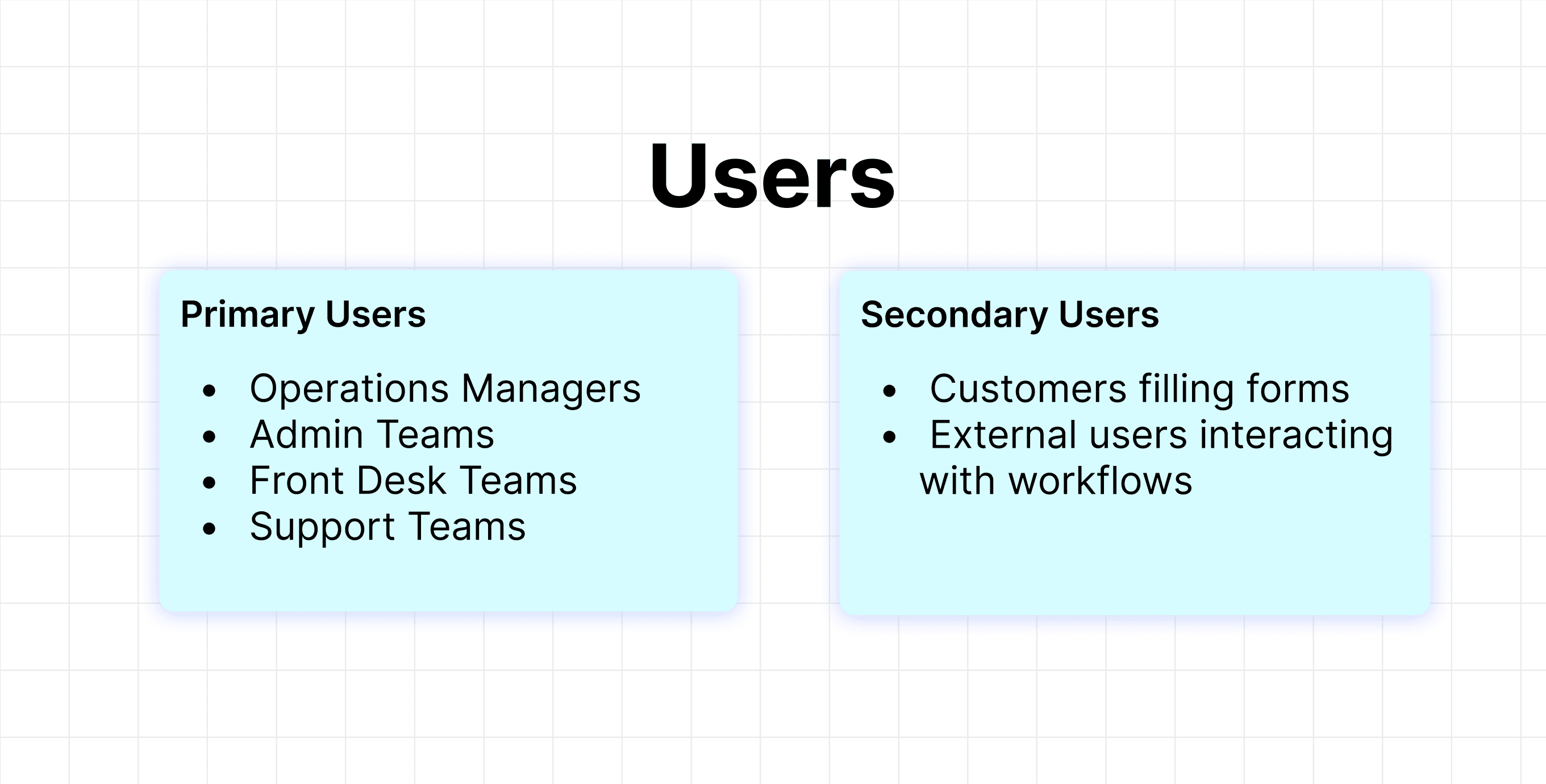
The primary users of the platform were internal operational teams responsible for managing workflows and collecting structured information.
The primary users of the platform were internal operational teams responsible for managing workflows and collecting structured information.
The primary users of the platform were internal operational teams responsible for managing workflows and collecting structured information.
04 — Competitive Analysis
04 — Competitive Analysis
04 — Competitive Analysis
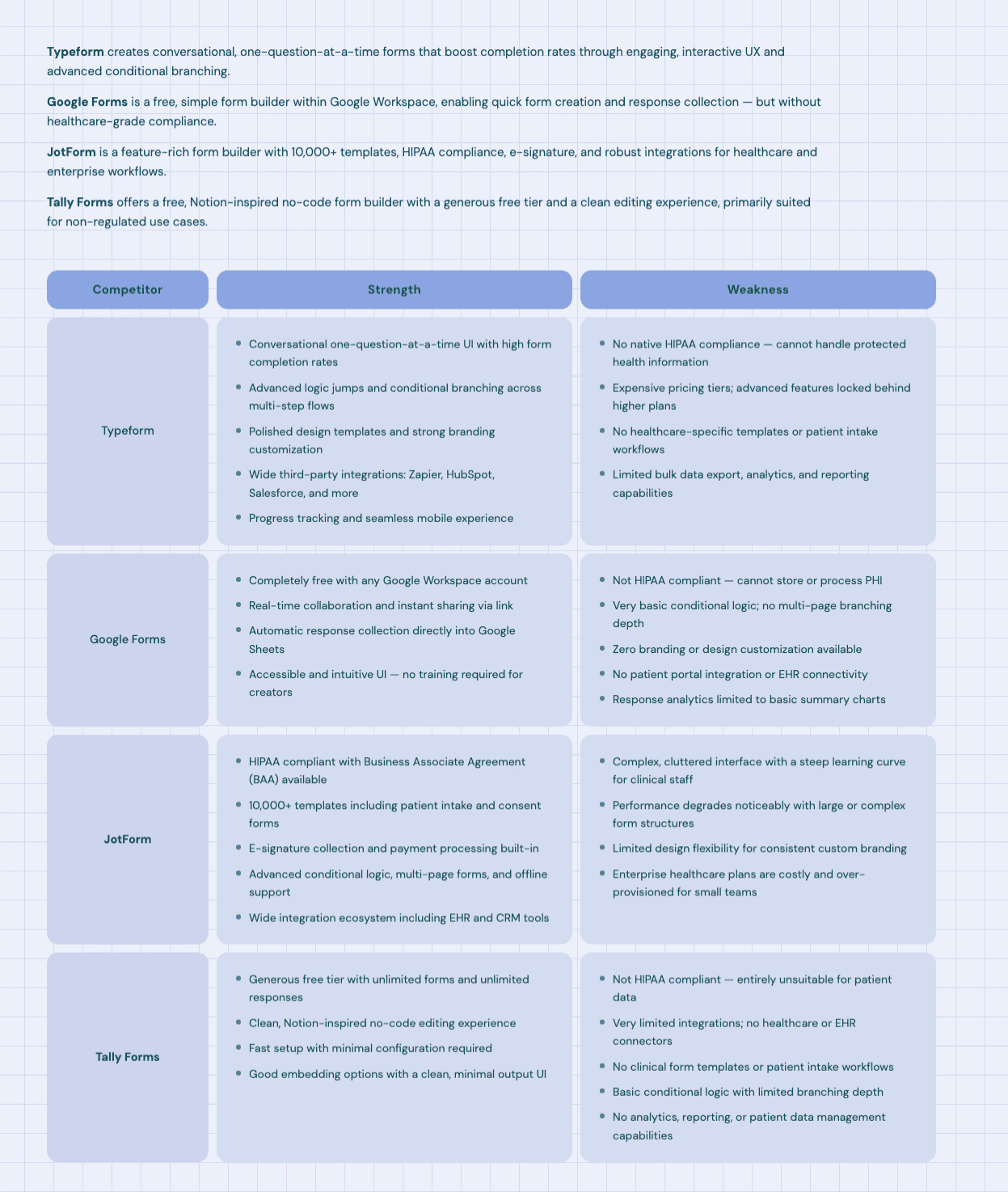
Existing form builders were evaluated to identify usability gaps and workflow opportunities.
Existing form builders were evaluated to identify usability gaps and workflow opportunities.
Key Observations
simpler tools lacked scalability
advanced tools increased complexity
workflow management was often difficult to visualize.
most systems prioritized features over usability.
This helped define the balance between simplicity and flexibility within the final experience.
Key Observations
simpler tools lacked scalability
advanced tools increased complexity
workflow management was often difficult to visualize.
most systems prioritized features over usability.
This helped define the balance between simplicity and flexibility within the final experience.
05 — Challenges & Constraints
05 — Challenges & Constraints
05 — Challenges & Constraints
The form builder needed to support dynamic workflows, conditional logic, and reusable components while remaining performant and scalable.
Key constraints included:
handling complex field dependencies
maintaining performance for large forms
supporting scalable component architecture
aligning UI flexibility with backend limitations
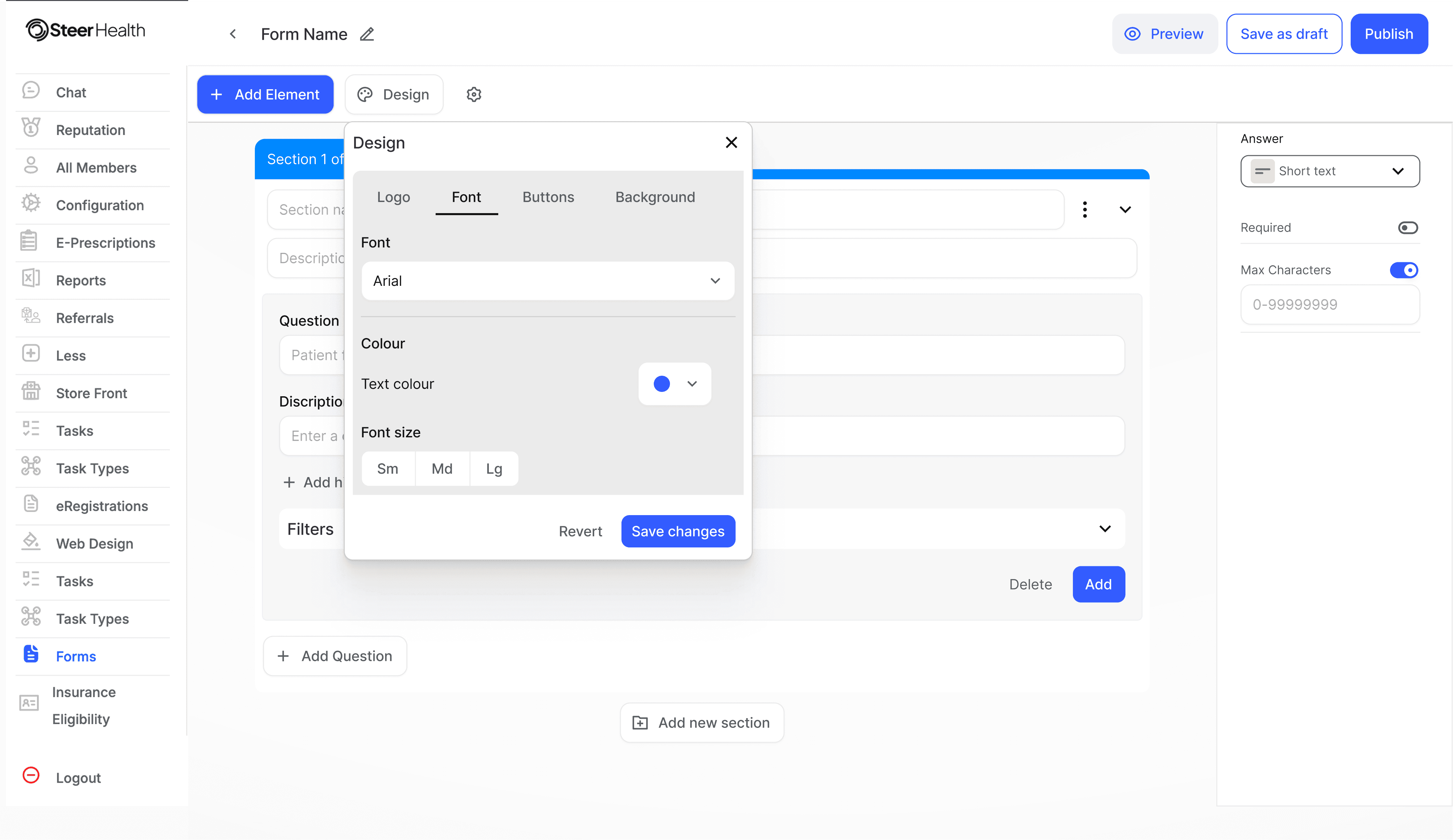
managing draft, preview, and publish states
A major challenge was simplifying technical complexity for non-technical users without limiting workflow flexibility.
The form builder needed to support dynamic workflows, conditional logic, and reusable components while remaining performant and scalable.
Key constraints included:
handling complex field dependencies
maintaining performance for large forms
supporting scalable component architecture
aligning UI flexibility with backend limitations
managing draft, preview, and publish states
A major challenge was simplifying technical complexity for non-technical users without limiting workflow flexibility.
An important insight during the project was understanding that the real complexity existed in workflow management — not form submission.
06 — Business Agenda
06 — Business Agenda
06 — Business Agenda
The business needed a scalable workflow system that reduced operational inefficiencies and minimized engineering bandwidth spent on repetitive workflow requests.
The business needed a scalable workflow system that reduced operational inefficiencies and minimized engineering bandwidth spent on repetitive workflow requests.
07— Design Phase
07— Design Phase
07— Design Phase
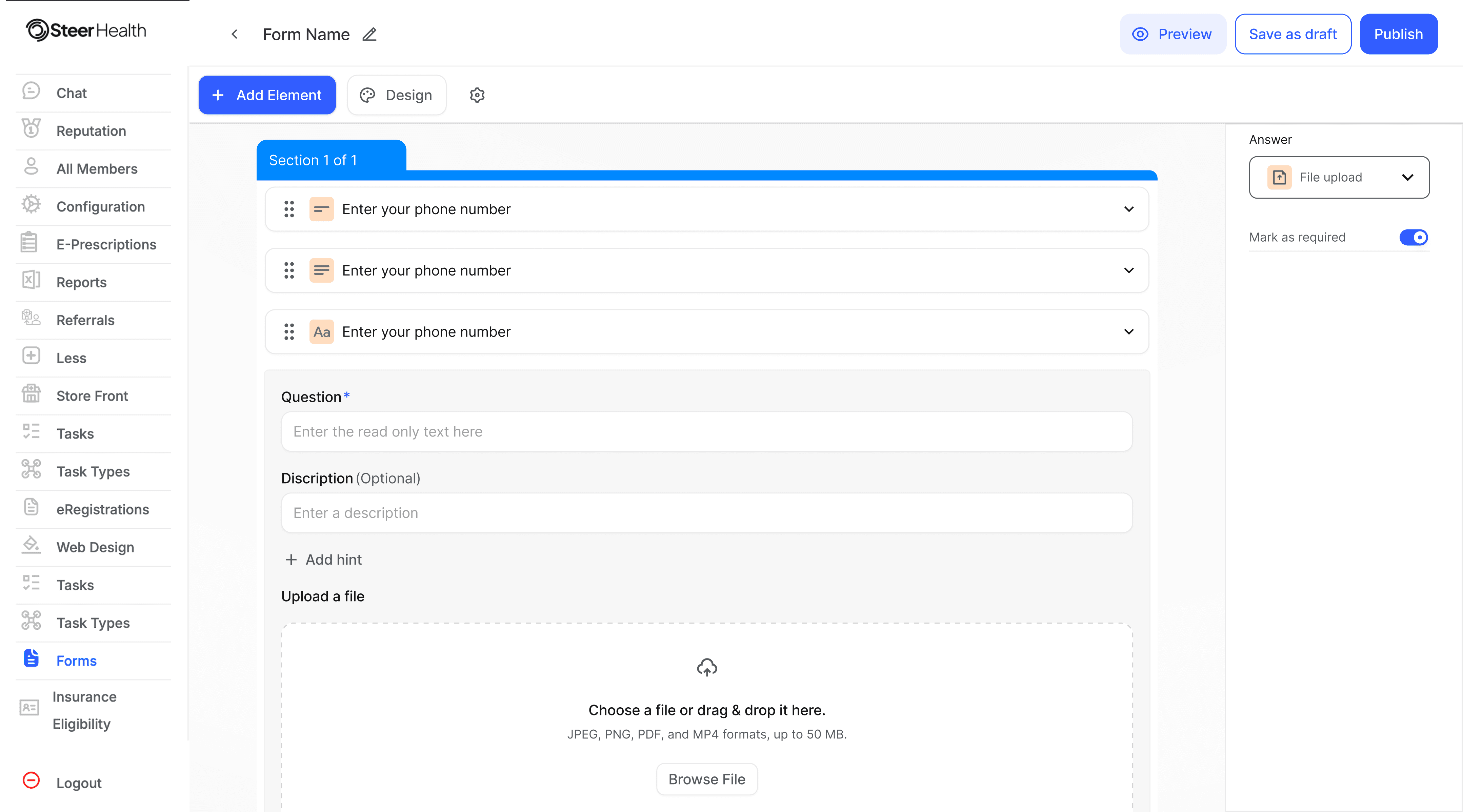
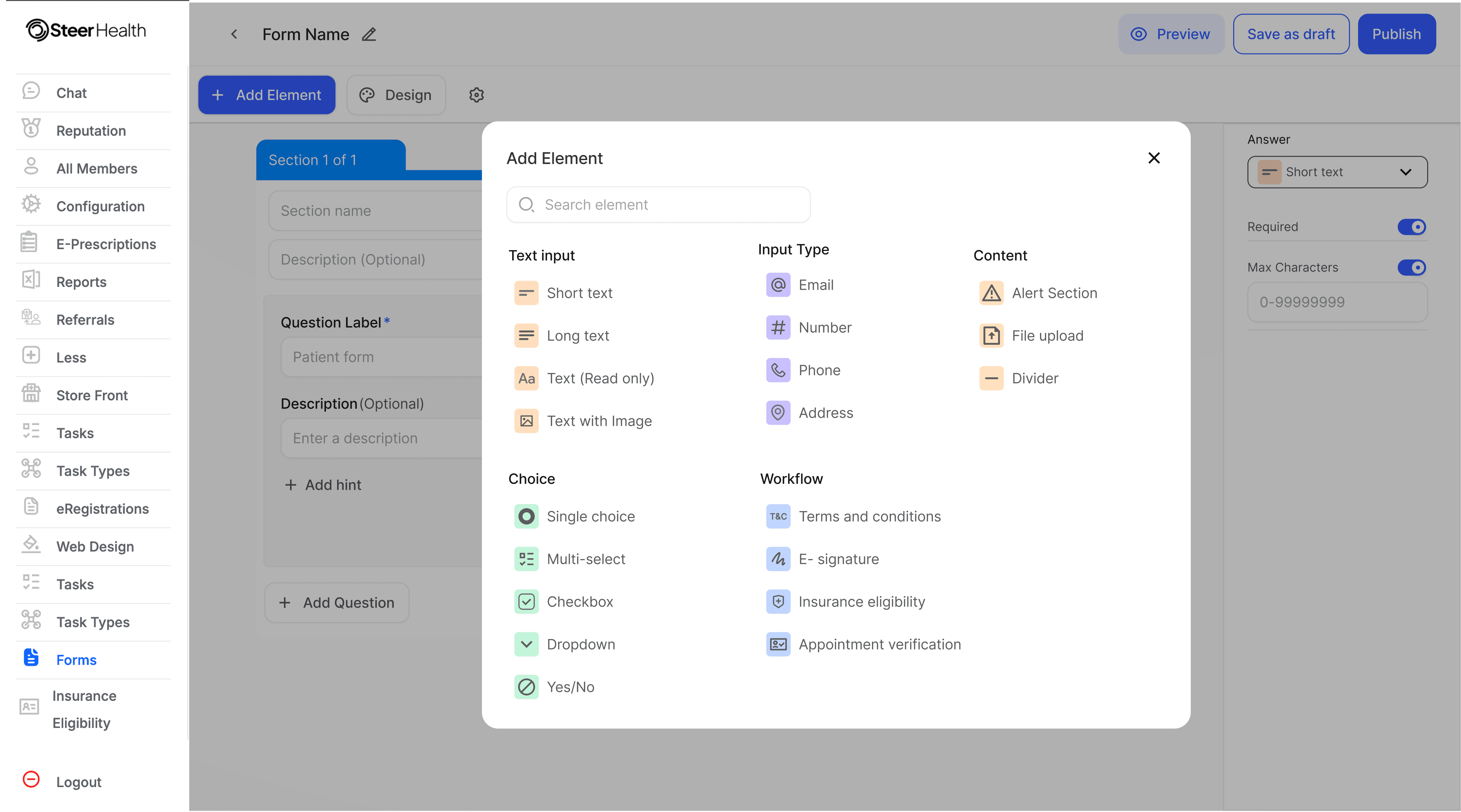
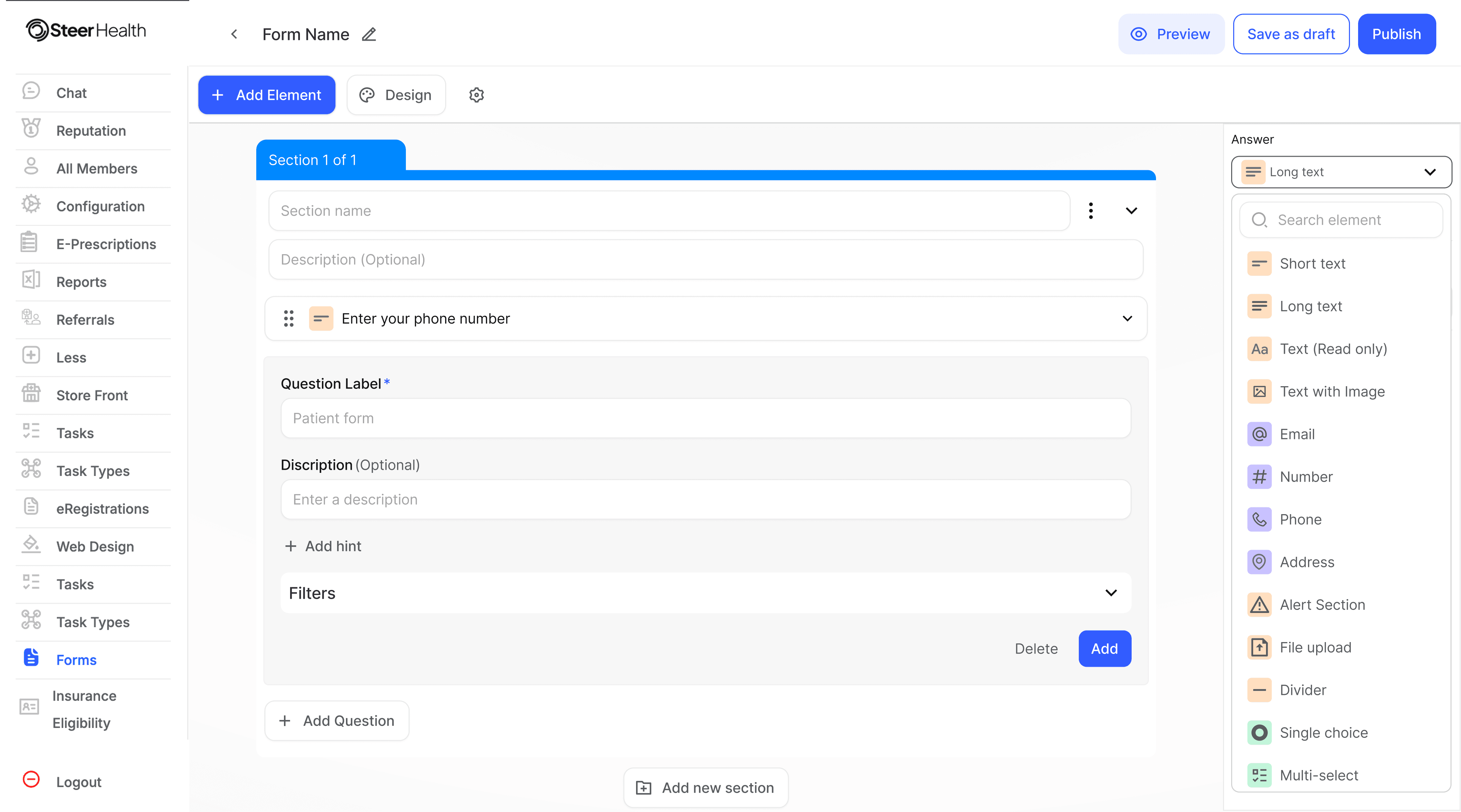
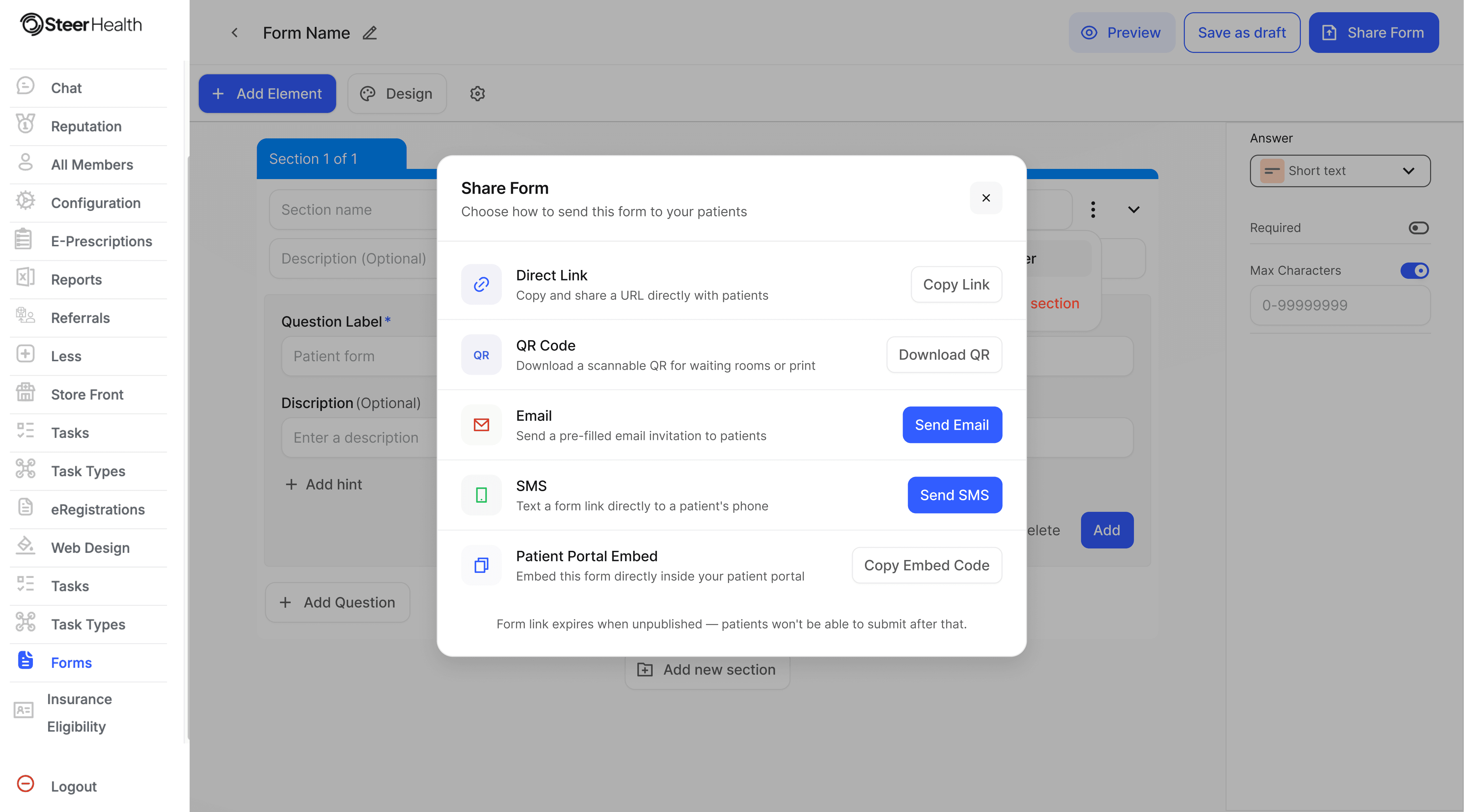
Designing for clarity over complexity.
The interface was designed to feel lightweight and approachable while supporting advanced workflow capabilities underneath.
Key design decisions included:
progressive disclosure to reduce overwhelm.
modular components for scalability.
structured layouts for better readability.
right-side editing panels for focused workflows,
The experience prioritized clarity, organization, and usability across every stage of form creation.
Designing for clarity over complexity.
The interface was designed to feel lightweight and approachable while supporting advanced workflow capabilities underneath.
Key design decisions included:
progressive disclosure to reduce overwhelm
modular components for scalability
structured layouts for better readability
right-side editing panels for focused workflows
The experience prioritized clarity, organization, and usability across every stage of form creation.
Designing for clarity over complexity.
The interface was designed to feel lightweight and approachable while supporting advanced workflow capabilities underneath.
Key design decisions included:
progressive disclosure to reduce overwhelm
modular components for scalability
structured layouts for better readability
right-side editing panels for focused workflows
The experience prioritized clarity, organization, and usability across every stage of form creation.
My learnigs
My learnigs
My learnigs
Closing thoughts
Closing thoughts
Closing thoughts
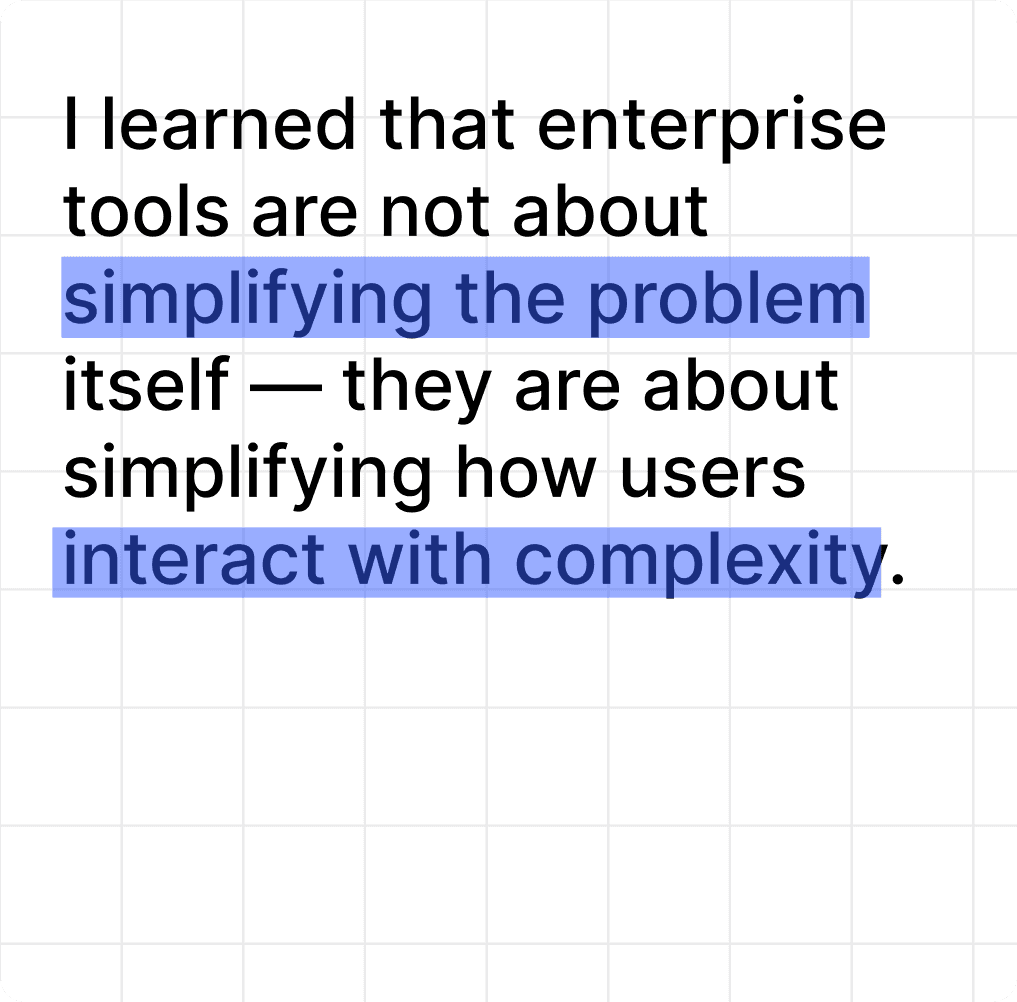
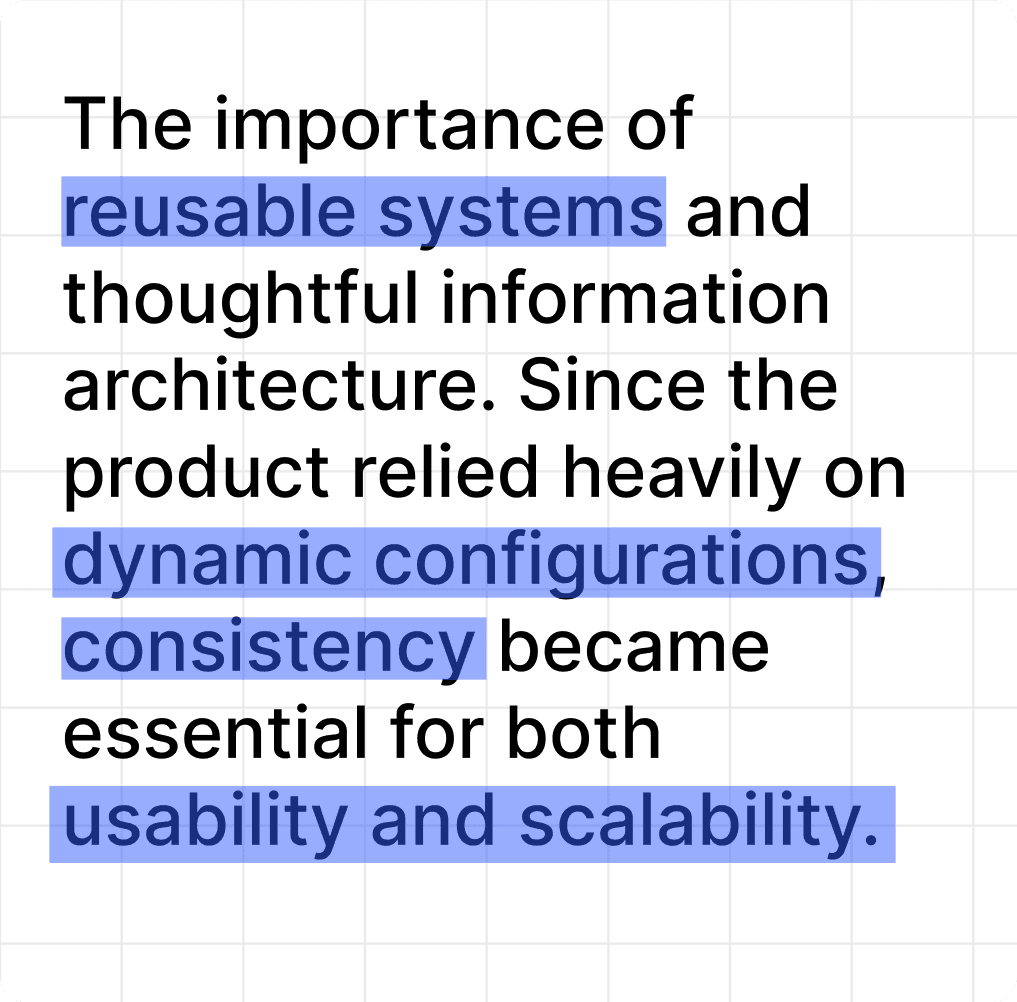
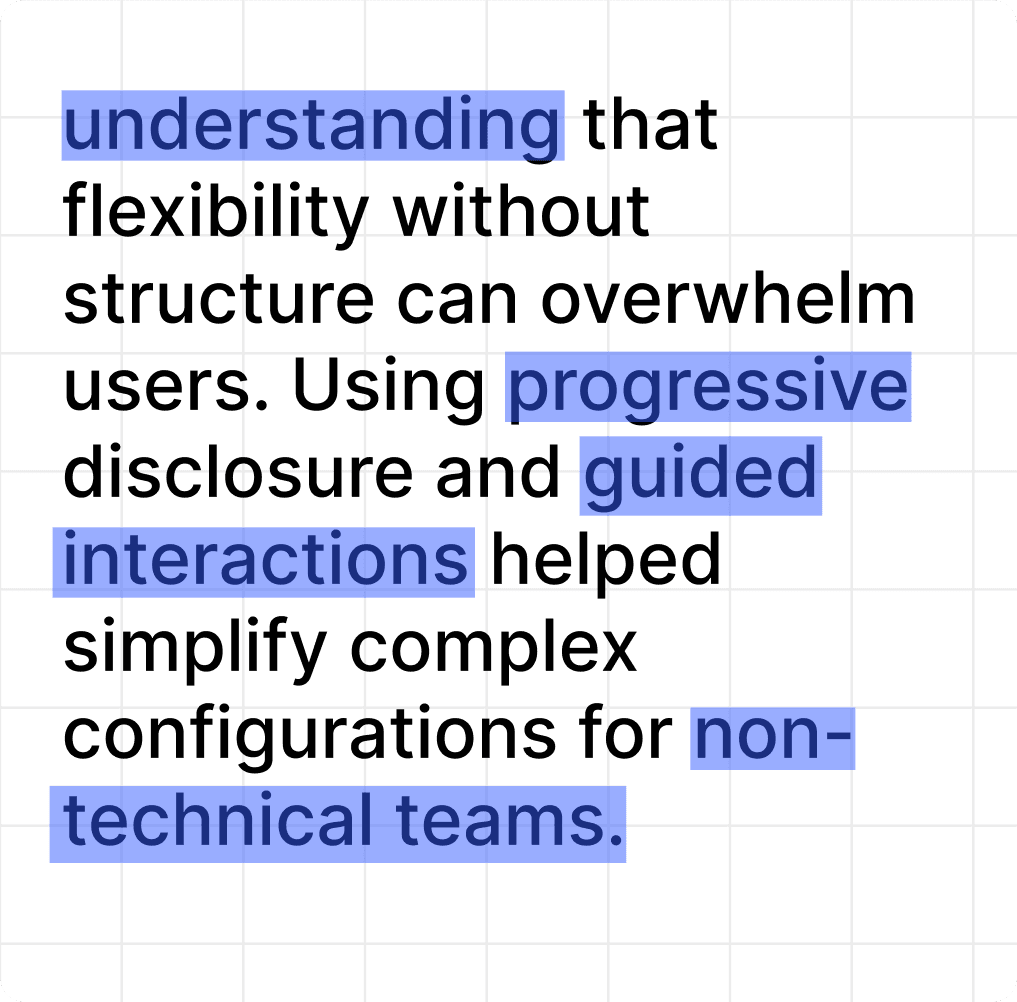
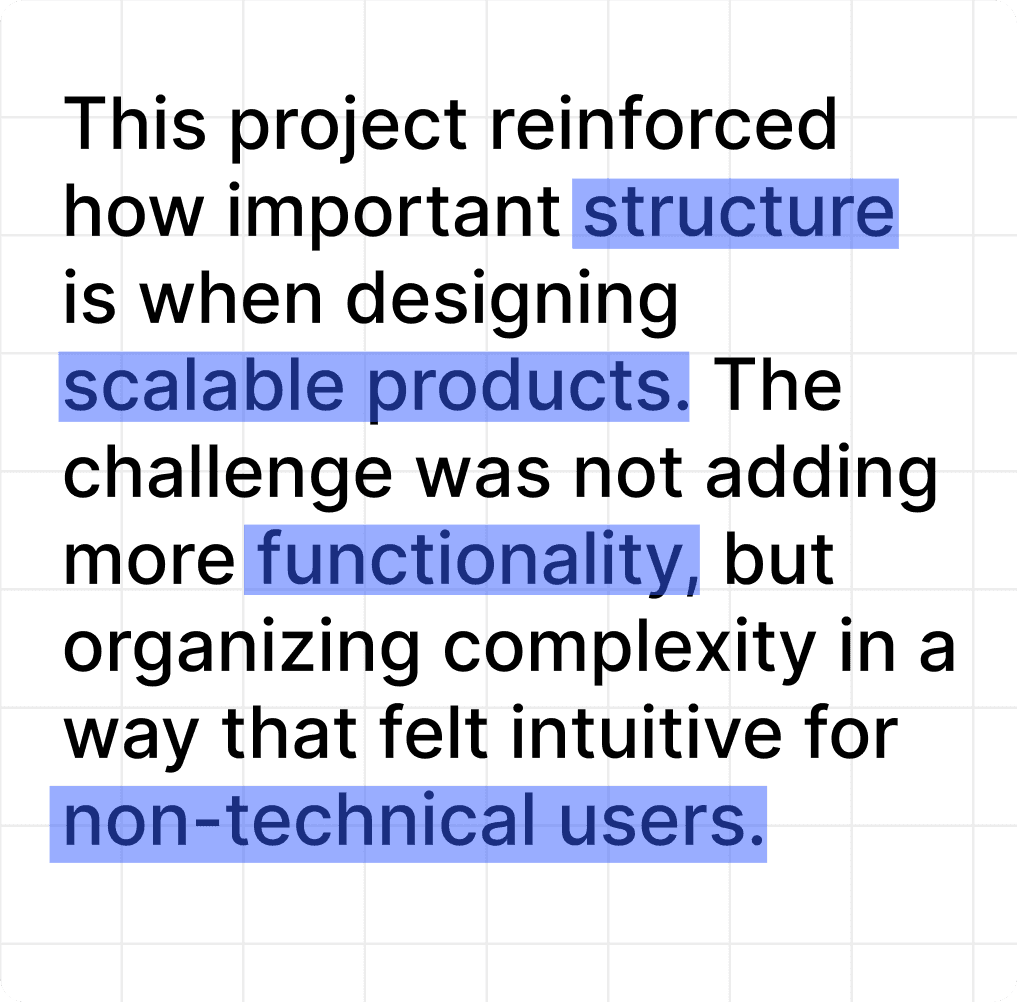
The final product looked deceptively simple, but underneath the interface existed a highly structured workflow system built around conditional logic, validation behavior, reusable components, scalable architecture, and operational governance. One of the biggest design challenges throughout the project was simplifying complexity without removing flexibility. The goal was not to hide functionality, but to organize it in a way that felt approachable and intuitive for non-technical users managing complex operational workflows.
The final product looked deceptively simple, but underneath the interface existed a highly structured workflow system built around conditional logic, validation behavior, reusable components, scalable architecture, and operational governance. One of the biggest design challenges throughout the project was simplifying complexity without removing flexibility. The goal was not to hide functionality, but to organize it in a way that felt approachable and intuitive for non-technical users managing complex operational workflows.
The final product looked deceptively simple, but underneath the interface existed a highly structured workflow system built around conditional logic, validation behavior, reusable components, scalable architecture, and operational governance. One of the biggest design challenges throughout the project was simplifying complexity without removing flexibility. The goal was not to hide functionality, but to organize it in a way that felt approachable and intuitive for non-technical users managing complex operational workflows.
The form builder needed to support dynamic workflows, conditional logic, and reusable components while remaining performant and scalable.
Key constraints included:
handling complex field dependencies
maintaining performance for large forms
supporting scalable component architecture
aligning UI flexibility with backend limitations
managing draft, preview, and publish states
A major challenge was simplifying technical complexity for non-technical users without limiting workflow flexibility.