Frito.Ai
The AI-Powered Legal Workspace.
Role
-Product Designer (Solo)
Timeline
-3 Months
Status
-In Production
Team
-CTO + 2 Engineers + Me
What is Frito.ai?
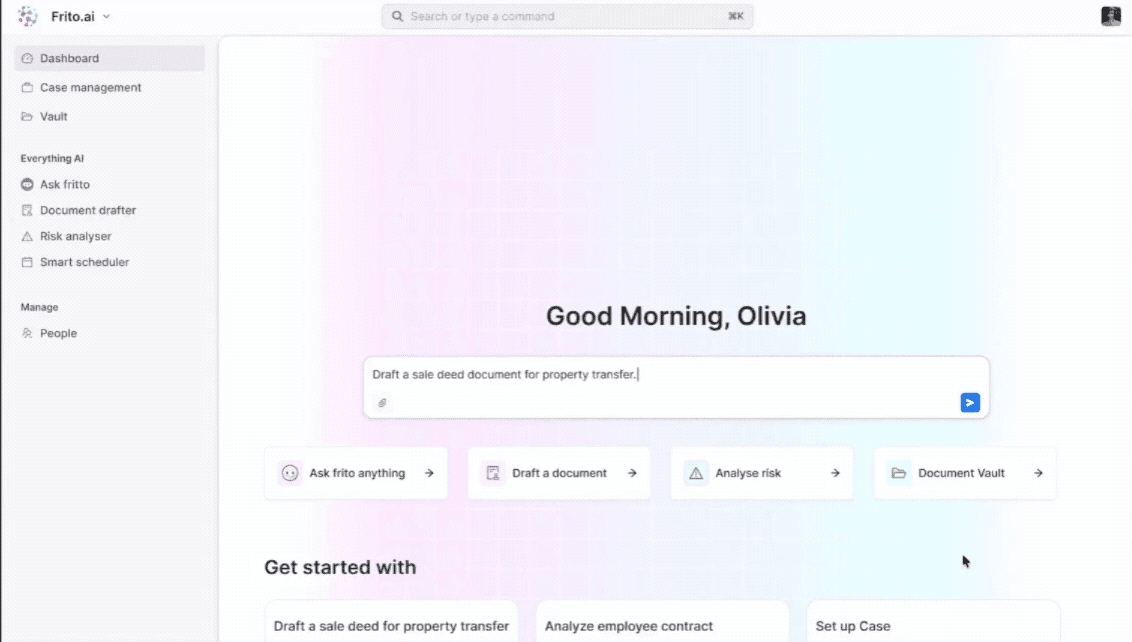
Frito.ai is an AI-powered legal practice management platform for law firms, solo practitioners, and legal teams. It consolidates six core workflows that legal professionals traditionally handle across disconnected tools — into one cohesive, AI-native workspace.
PROBLEM
The fragmented legal workflow.
Legal professionals juggle multiple disconnected tools for research, document drafting, case management, and risk review. There is no unified, AI-native platform built for small-to-mid law firms that brings all of these together.
Pain points we identified
Legal research, document drafting, and case management live in separate tools — no shared context between them.
Risk review is entirely manual — lawyers read full contracts line by line to identify problematic clauses.
No centralized document vault — files scattered across email, cloud drives, and case folders.
Existing AI tools are bolted on, not built in — they don't understand the context of a case or document.
Small and mid firms can't afford enterprise legal tech — need an accessible, unified, affordable solution.
RESEARCH
Understanding legal practitioners.
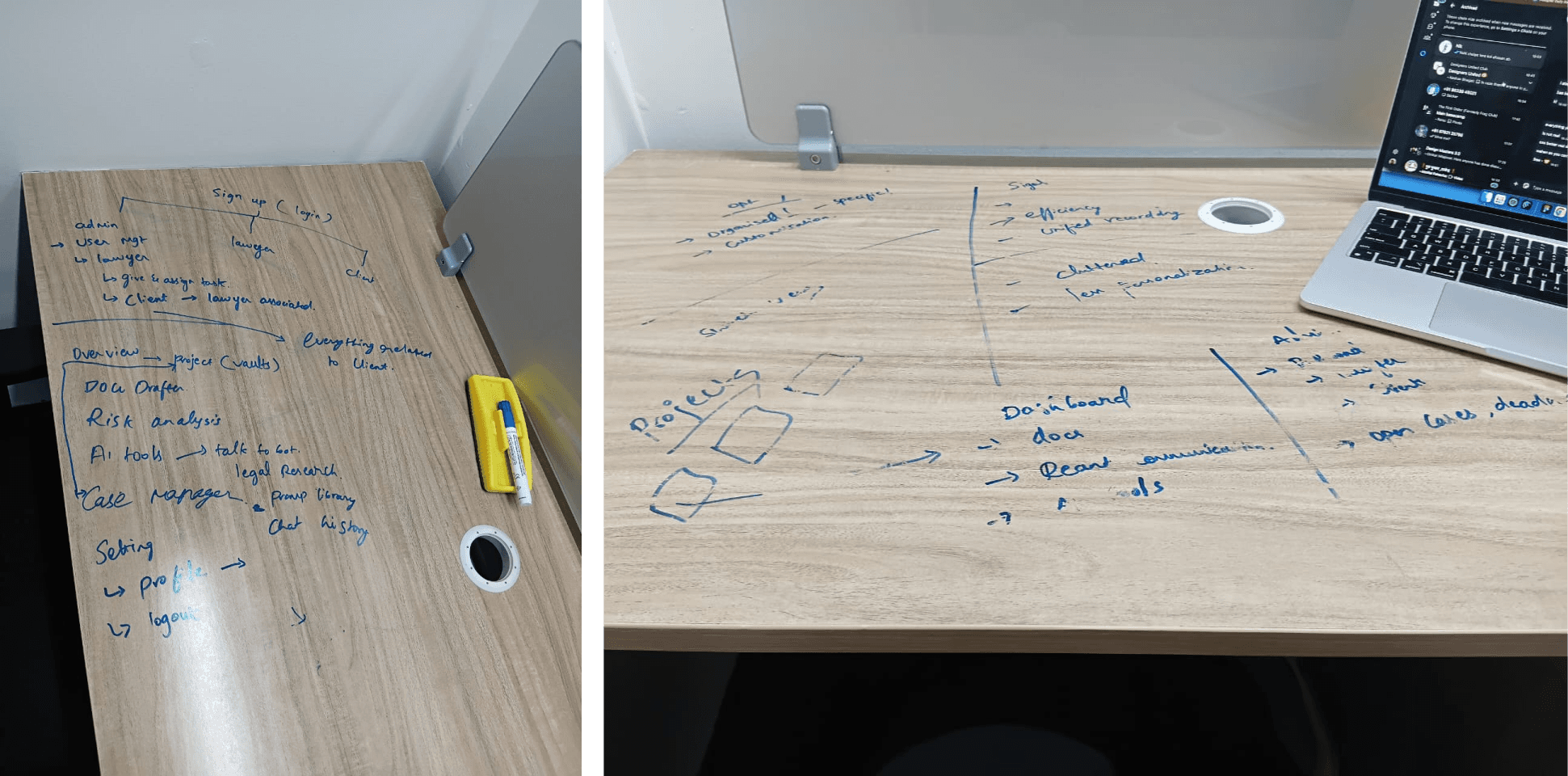
I conducted stakeholder interviews with the CTO and competitive audits of Clio, CaseFox, LawGeex, and Harvey AI — mapping workflows across both lawyer and admin personas to understand where the real friction lived.
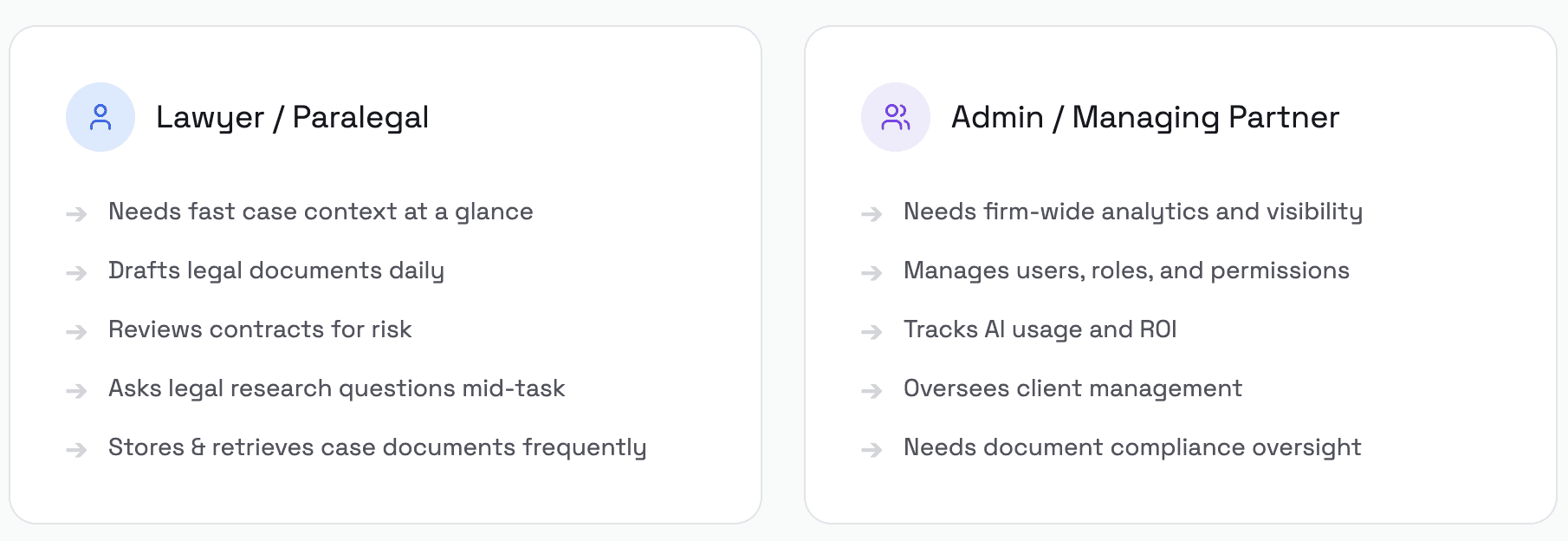
HEY RESEARCH INSIGHT
03 / INFORMATION ARCHITECTURe
Designing the navigation model.
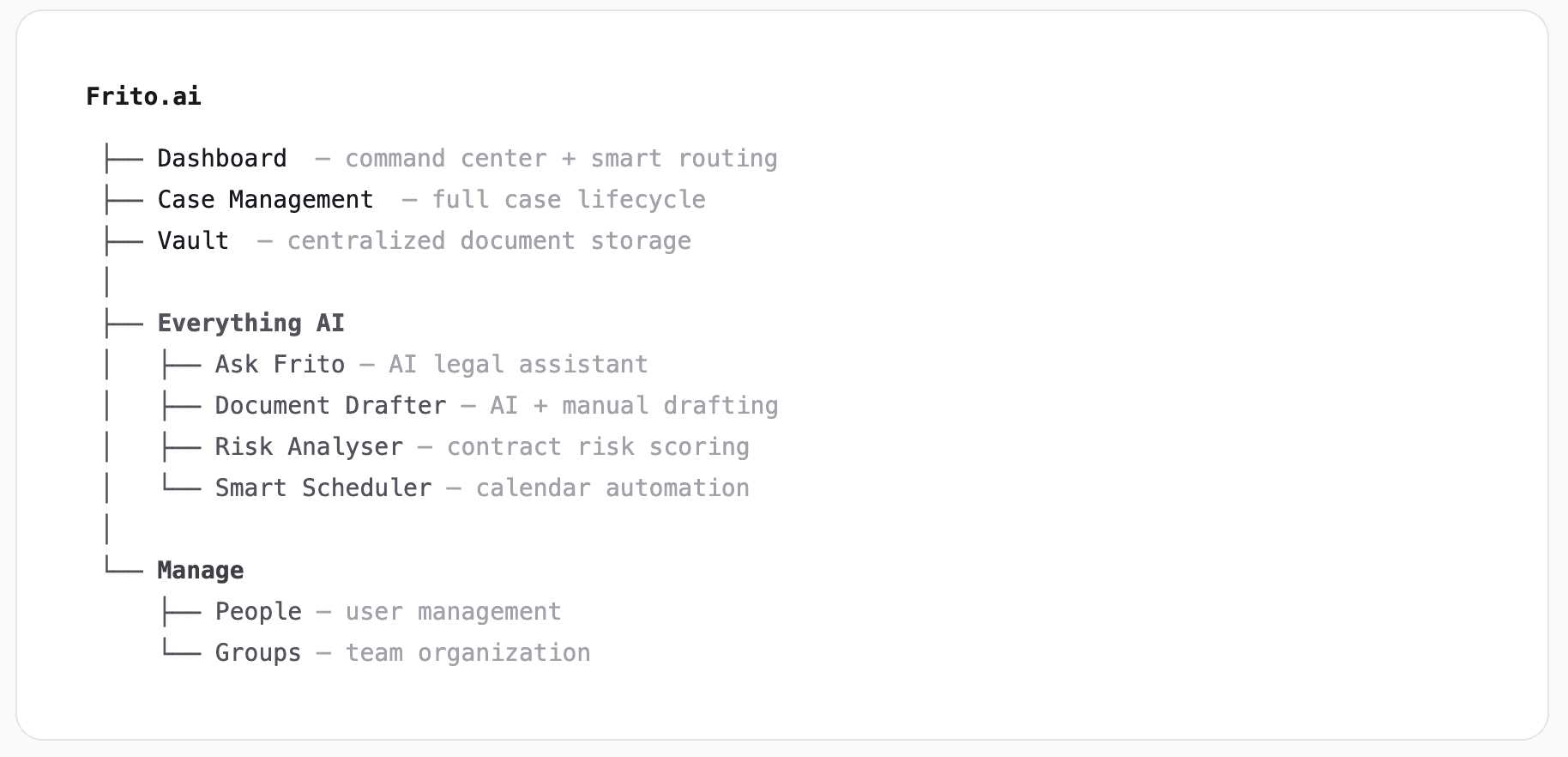
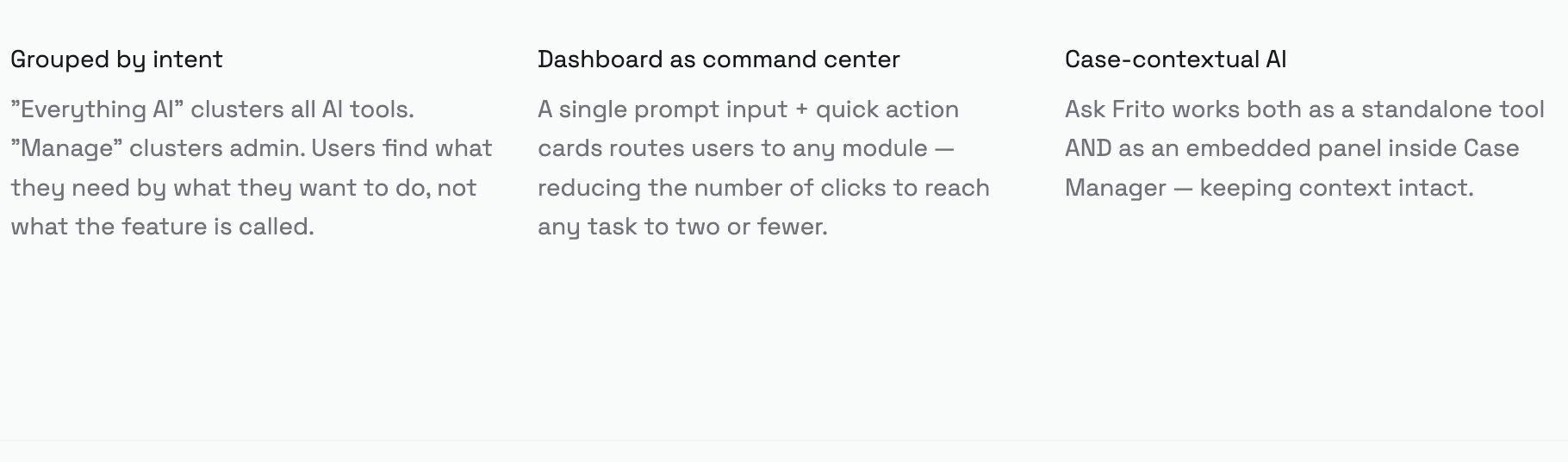
I structured the sidebar navigation by user intent rather than feature type — grouping AI tools under "Everything AI" and admin functions under "Manage" to reduce cognitive overhead.
04 / DESIGN PROCESS
Three principles that shaped every screen.
I structured the sidebar navigation by user intent rather than feature type — grouping AI tools under "Everything AI" and admin functions under "Manage" to reduce cognitive overhead.
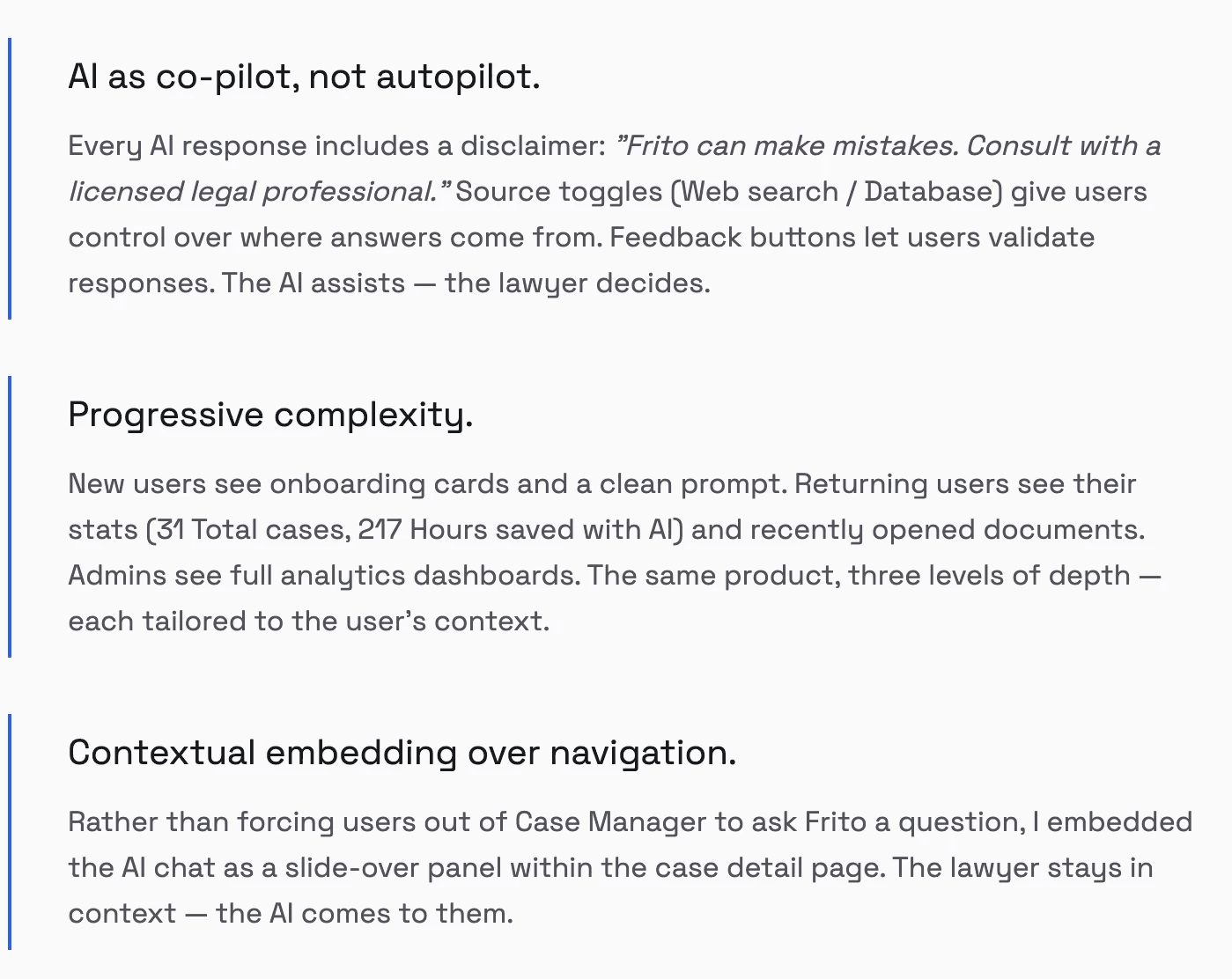
The dashboard adapts to three user states: new users see a welcome prompt with "Get started" cards, returning users see their case stats and recently opened documents, and admins see full analytics. A universal command input at the center lets users type natural language to reach any module instantly.

Document Drafter with Three Paths.
Users can draft via: (1) AI generation from a natural language prompt, (2) manual creation with structured fields, or (3) template-based drafting from a library. Documents are auto-tagged (AI-Gen vs Manual) and flow directly into the Vault for storage and retrieval.

Risk Analyser with Visual Severity.
Upload a document and AI scans each clause, highlighting them with color-coded risk levels — red for high risk, yellow for medium, green for safe. Overall risk scores quantify document health at a glance. Lawyers can drill into each flagged clause for context and recommended revisions.

Vault: Unified Document Storage.
Two-tier structure: Folders for organized client/case documents, and Drafts for AI-generated and in-progress documents. Each document is tagged by type (Contract, Agreement, Letter, Notice) and origin (Created by AI vs Manual). Search, filter, rename, delete, and move-to-folder actions are all contextual.

Case Manager with Embedded AI.
Full case detail view: metadata (case ID, lawyer, category, urgency), upcoming events, a task checklist with completion states, an activity timeline, and a documents tab. The breakthrough: an embedded Ask Frito panel slides in from the right — letting lawyers query about the case without ever leaving the page.

06 / DESIGN SYSTEM
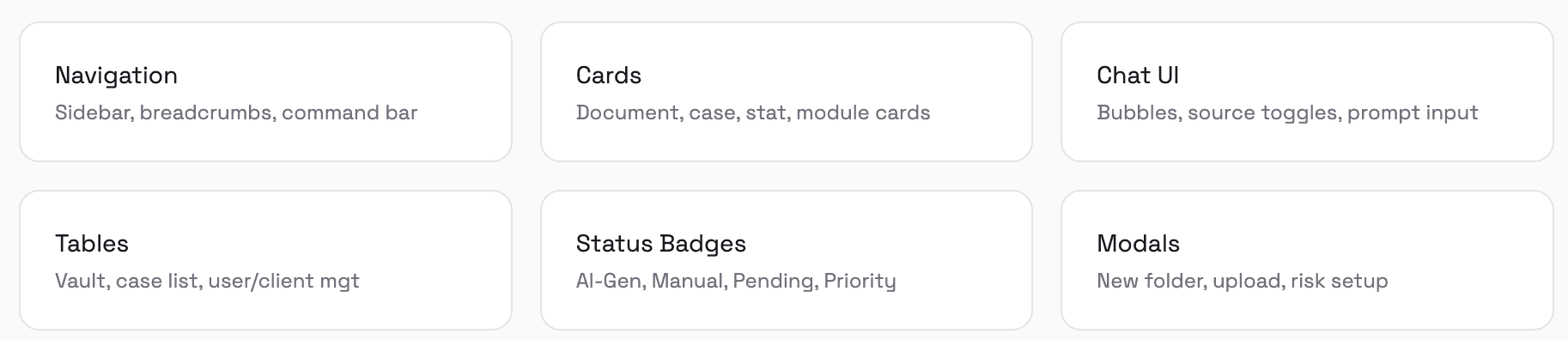
Components that scale.
I built a modular component library in Figma covering every surface of the platform — standardized for both the applicant-facing product and the forthcoming admin extensions.
07 / OUTCOME
Shipped. Live. Measurable.

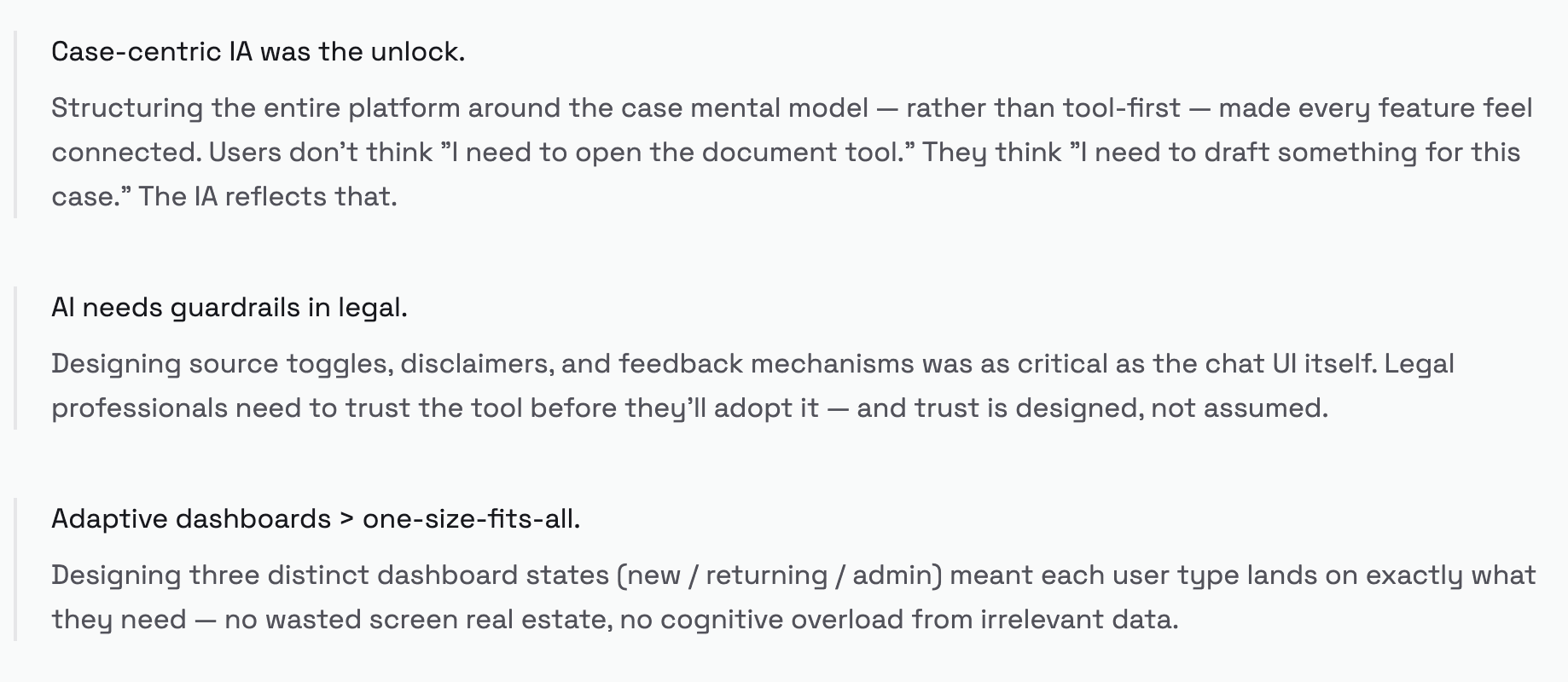
What this project reinforced.
What comes next.
01
Smart Scheduler
Design the calendar/scheduling module for hearings, deadlines, and appointments.
02
Mobile Responsive
Adapt the dashboard and Ask Frito for on-the-go legal professionals.
03
Usability Testing
Conduct moderated sessions with practicing lawyers to validate the risk analyser workflow.
More Projects
Rehub
Legaltech | Product Design
AI controls
ITSM | Product Design