Designing an AI-powered legal workspace for modern law firms.
I designed Frito.ai as an AI-powered legal workspace built to simplify how modern law firms manage drafting, research, risk analysis, and case operations. The goal was to reduce the fragmentation caused by disconnected legal tools and create one unified platform designed around how legal professionals actually work.
My Role
Product Design, UX & Interaction Design, Design Systems, Prototyping & Developer Handoff
Timeline
My Team
CTO, Product Designer (Me)
2 Developers
Sector
Legaltech

Overview
The fragmented legal workflow
Legal professionals constantly switch between disconnected tools for drafting, research, document review, case tracking, and communication. Most existing platforms treat AI as an add-on feature instead of integrating it into the core workflow experience.
The challenge
Design a unified AI-native workspace that simplifies legal operations without overwhelming lawyers with complexity.
The solution
A case-centric legal platform combining AI drafting, risk analysis, document management, and case workflows into one cohesive system.
Impact
Reduced workflow fragmentation by consolidating drafting, risk analysis, case management, and document storage into one AI-native workspace — enabling legal teams to work faster, maintain context across tasks, and reduce operational overhead.
02 — Research
Understanding how legal professionals actually work. Users preferred visual workflows over technical configurations
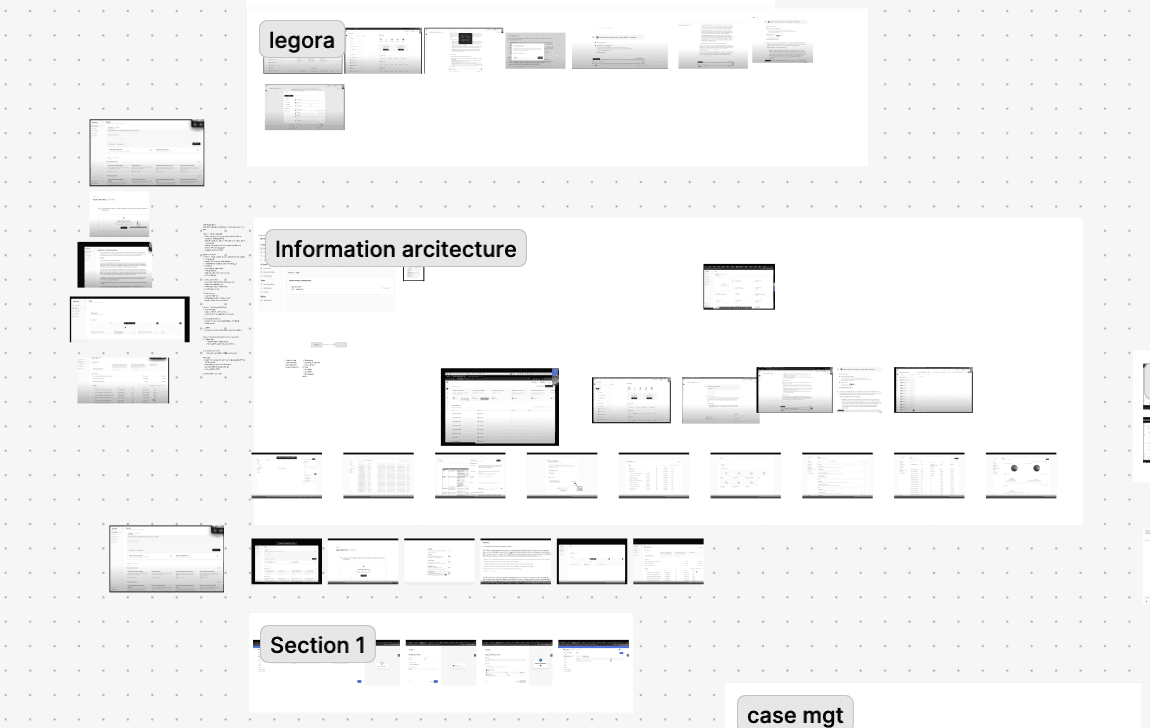
The best way to understand complex products is simple: explore, document, repeat. While going through countless workflows and screens, I started documenting interaction patterns, information architecture decisions, AI usage patterns, and gaps across existing tools — helping identify opportunities for a more unified and AI-native legal workspace.
These insights helped shape a more guided and structured experience
03 — Research Highlight
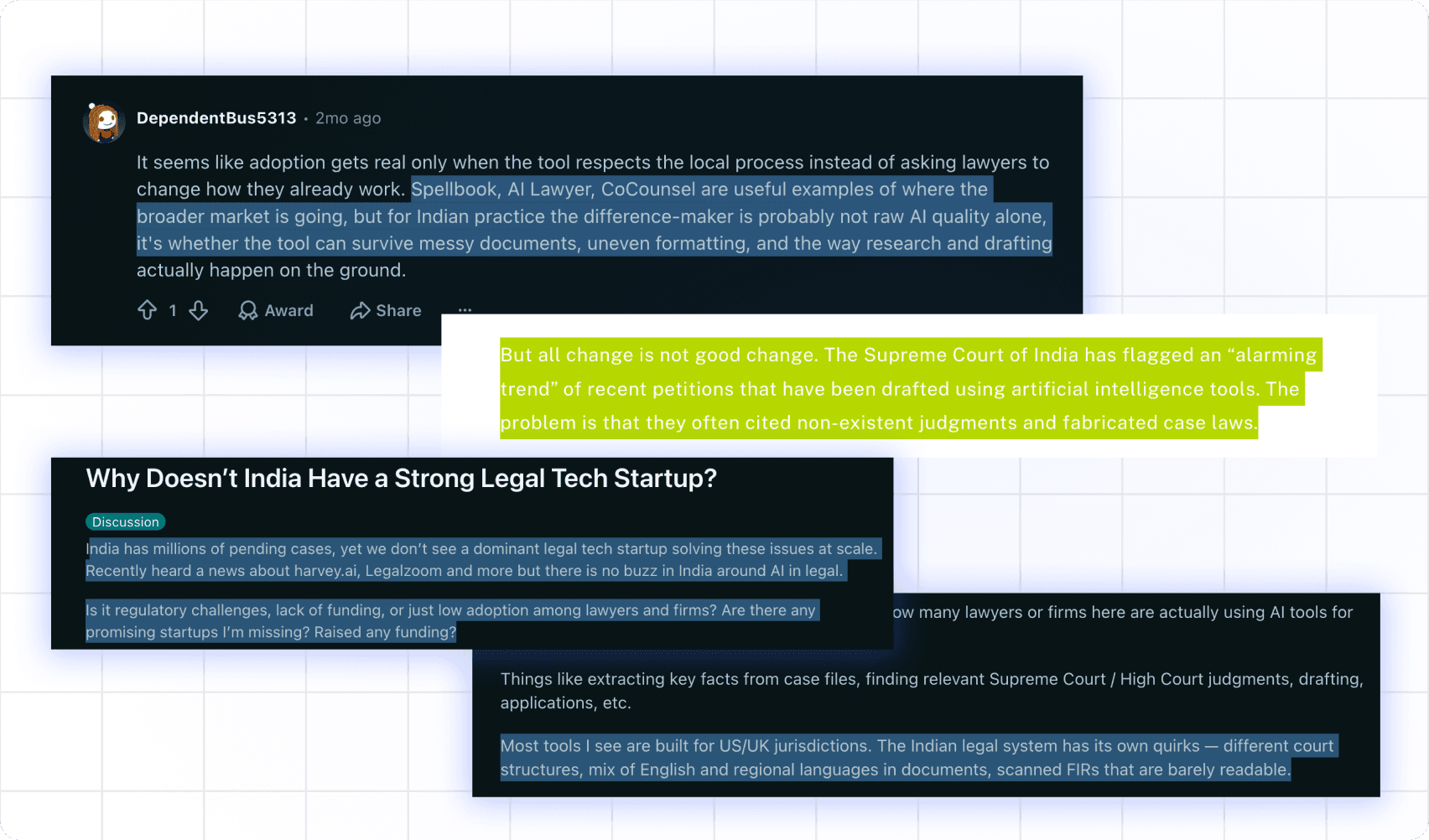
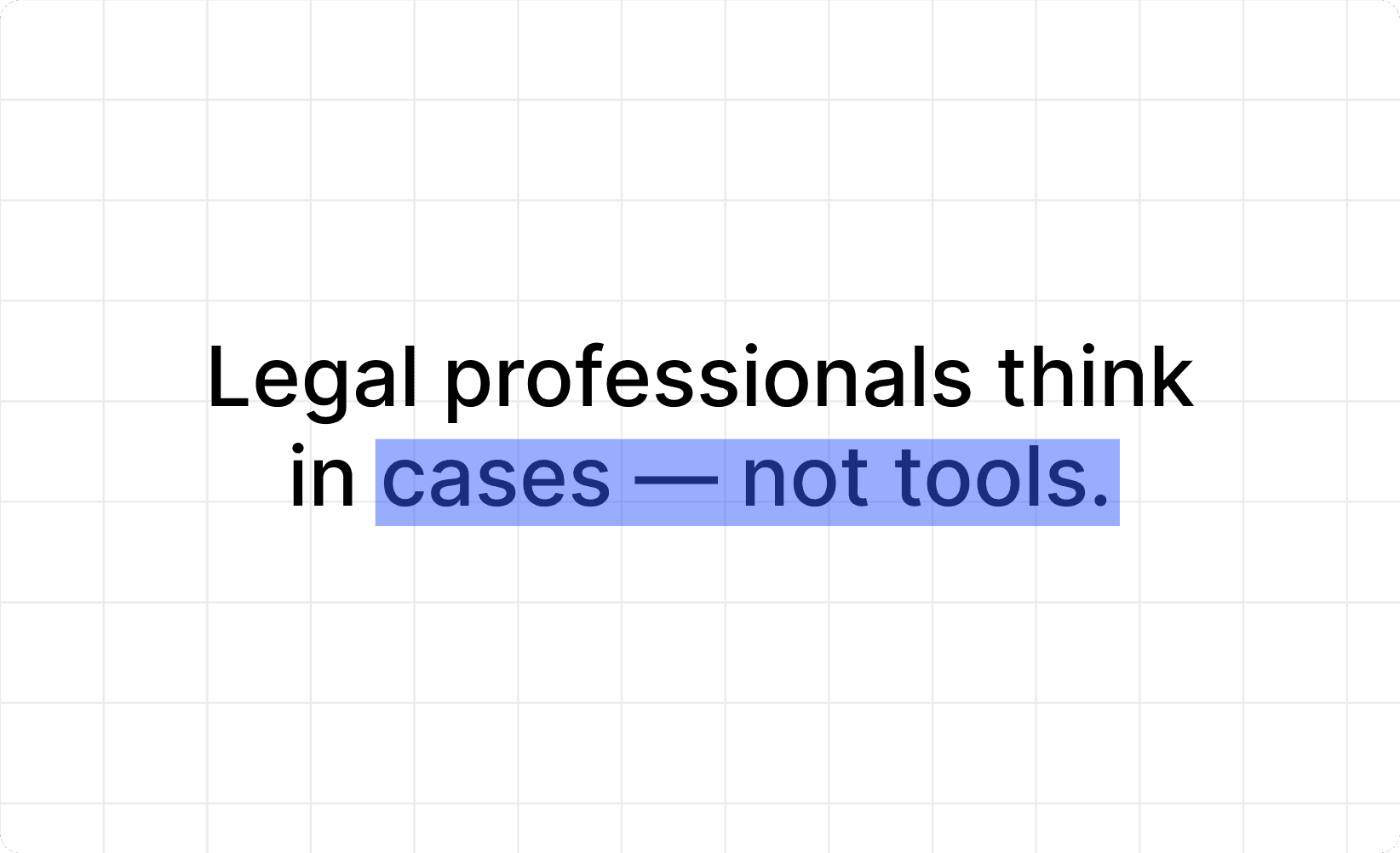
One of the strongest insights from the research phase was understanding that lawyers don’t separate drafting, storage, analysis, and research into isolated actions. Everything happens in the context of a case.
One of the biggest gaps identified during research was that the Indian legal ecosystem still lacks a unified platform that supports the complete day-to-day workflow of lawyers. Most firms rely on multiple disconnected tools for drafting, document storage, case tracking, legal research, and risk analysis — forcing professionals to constantly switch contexts throughout their workday.
This insight became foundational to the platform’s information architecture and navigation model.
04 — Defining The Product
Mapping the core capabilities.
Before designing interfaces, the focus was on defining what the platform needed to support today versus what could evolve later.
The MVP focused on:
AI document drafting
risk analysis
case management
document vault
AI legal assistant
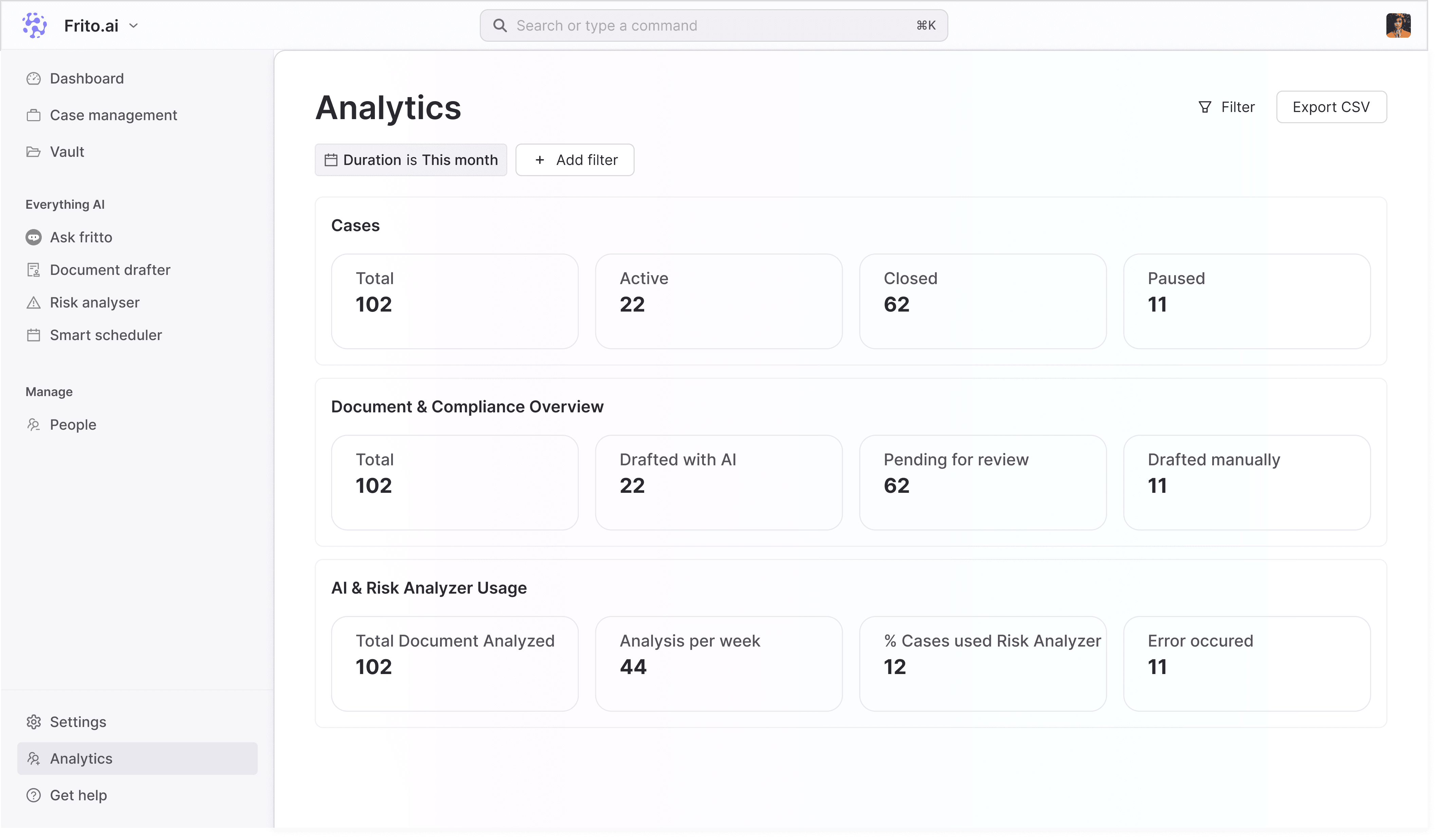
admin operations
The goal was to validate the most critical legal workflows before expanding into larger operational tooling.

05 — How AI was used
Designing AI as infrastructure — not a feature.
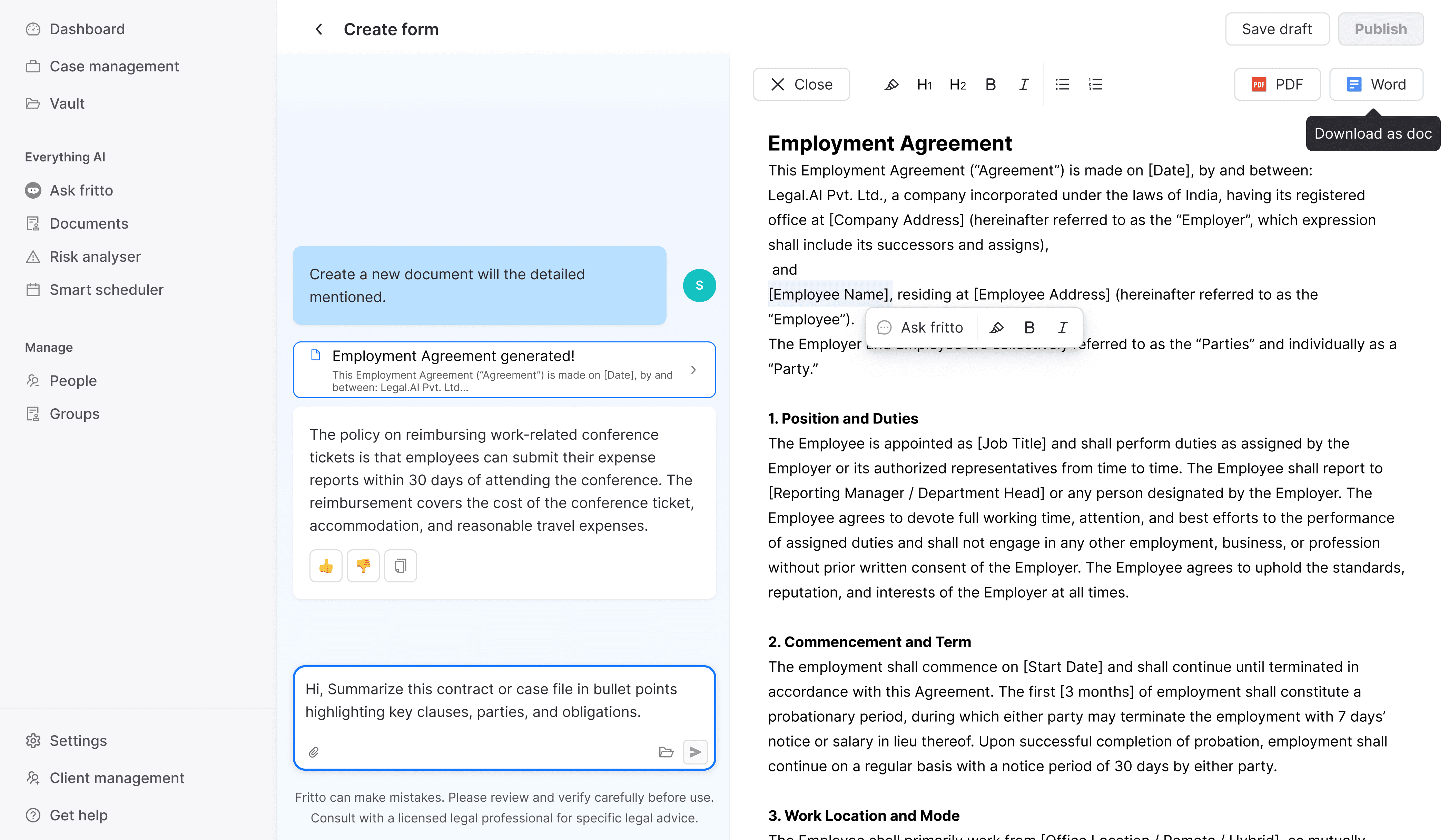
Instead of treating AI as a separate chatbot experience, the platform integrated AI directly into existing legal workflows.
AI supported:
document generation
clause analysis
contextual legal queries
smart document tagging
workflow assistance
This made AI feel embedded and contextual rather than disruptive.
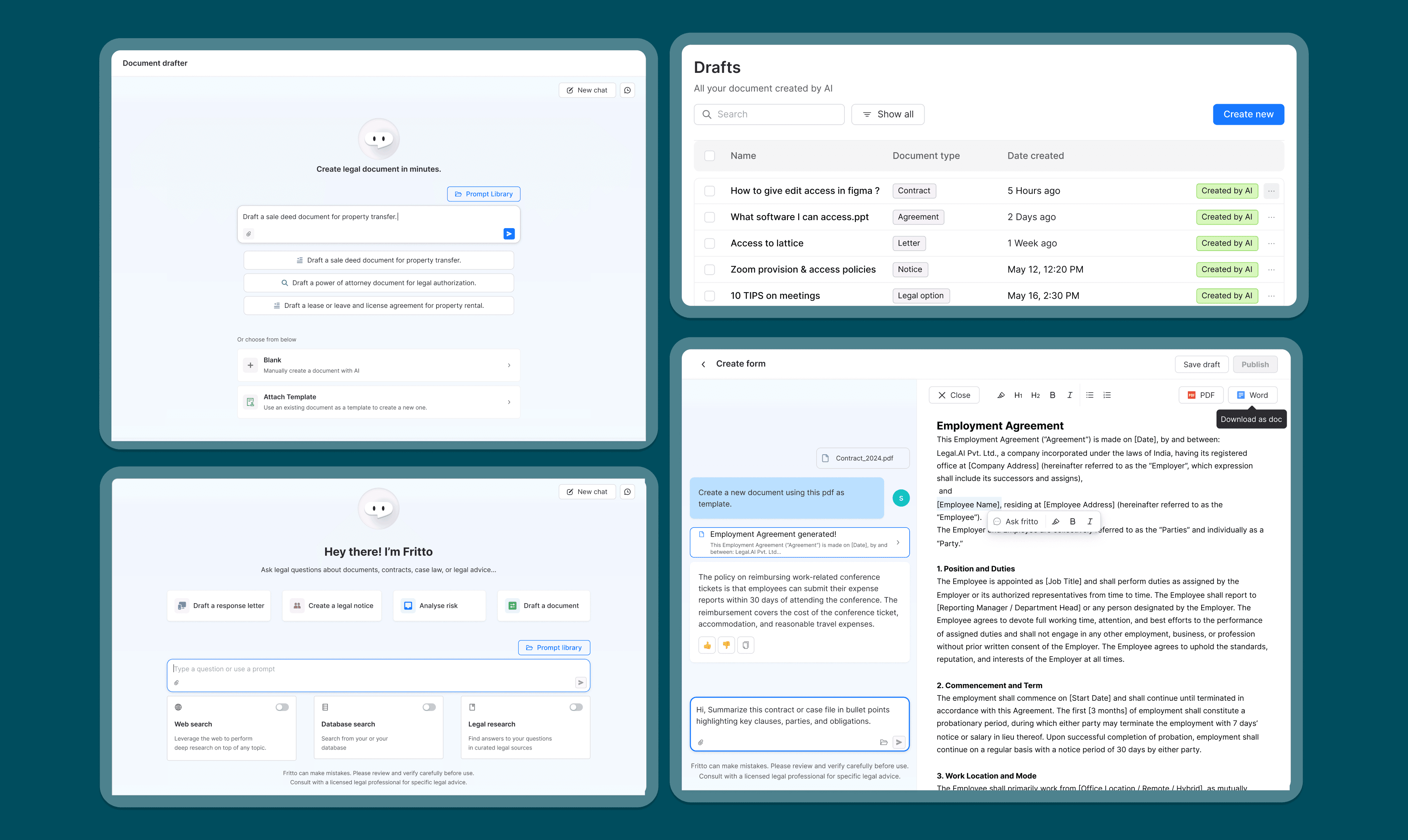
An important insight during the project was understanding that the real complexity existed in workflow management — not form submission.
06 — Core Workflows
Designing the first usable version of the product.
The MVP focused on six primary workflows that represented the most common legal tasks performed daily by law firms.
Each workflow was prototyped individually and tested internally before implementation.
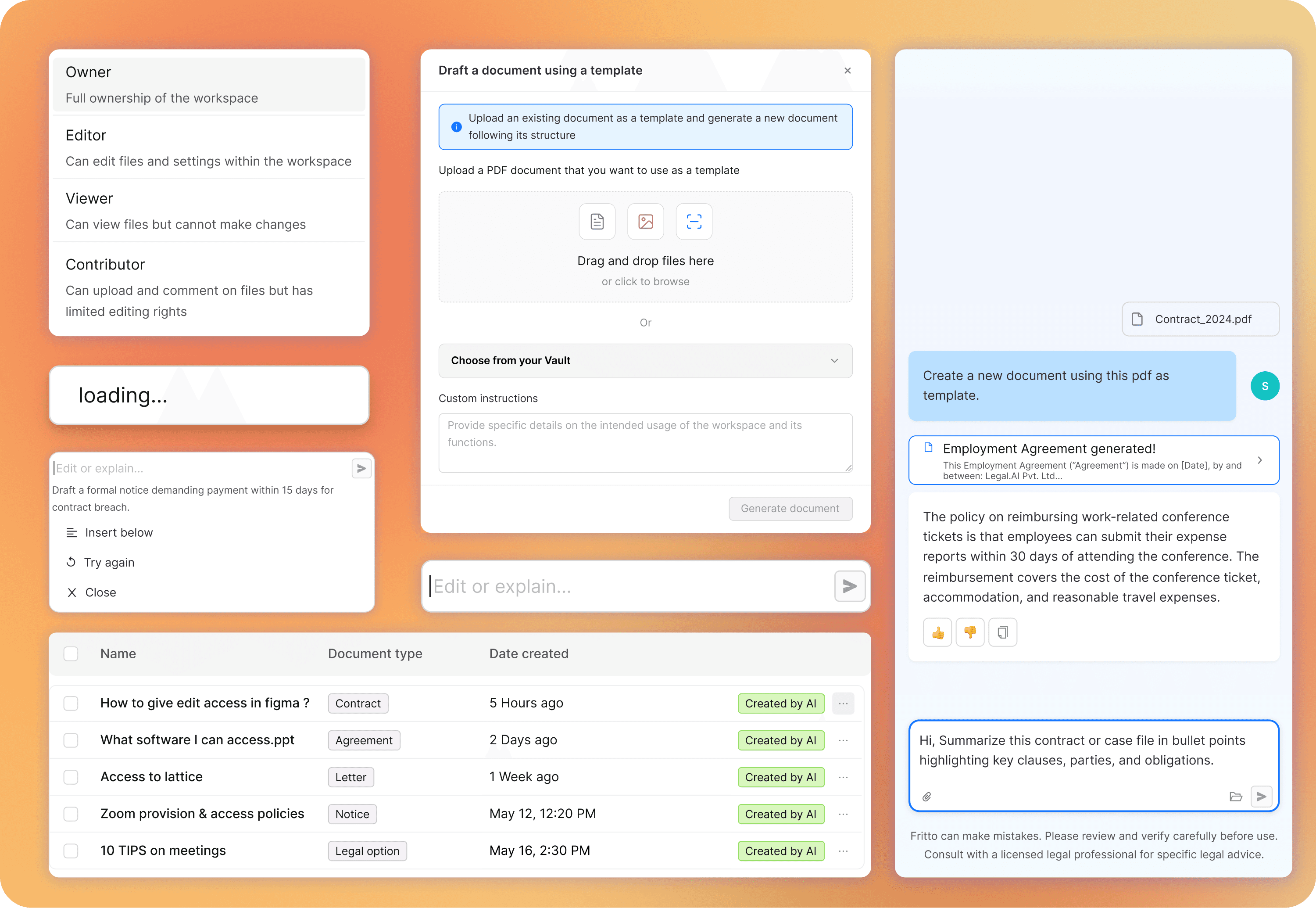
01- Ask Frito
Contextual AI interactions integrated directly into workflows.
02- Document Drafter
AI-assisted drafting through prompts, templates, and manual workflows.
03- Risk Analyzer
Clause-level risk detection with visual severity indicators.
04- Vault
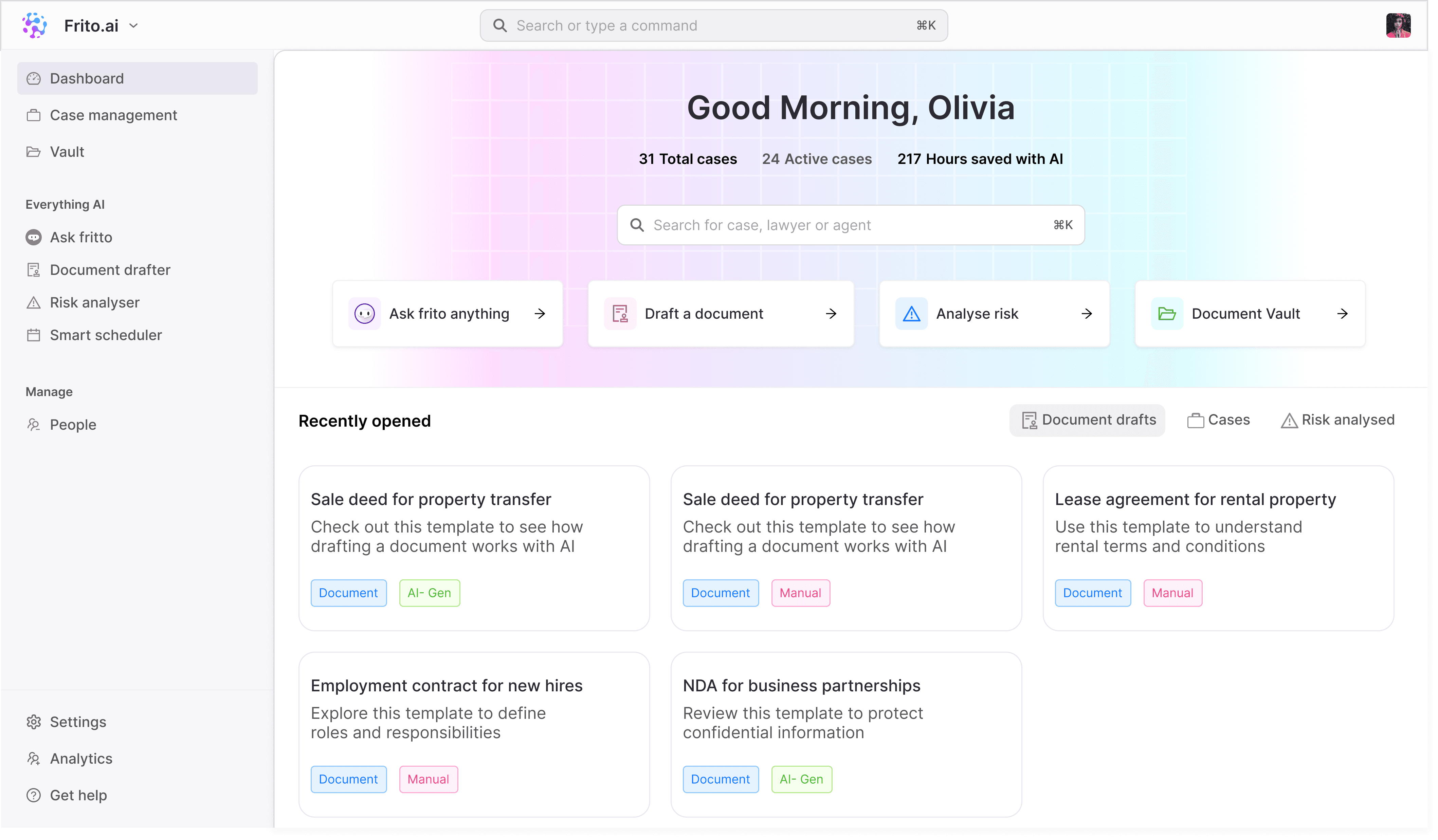
Centralized legal document management and retrieval.
05- Case Manager
Unified case tracking with embedded AI assistance.
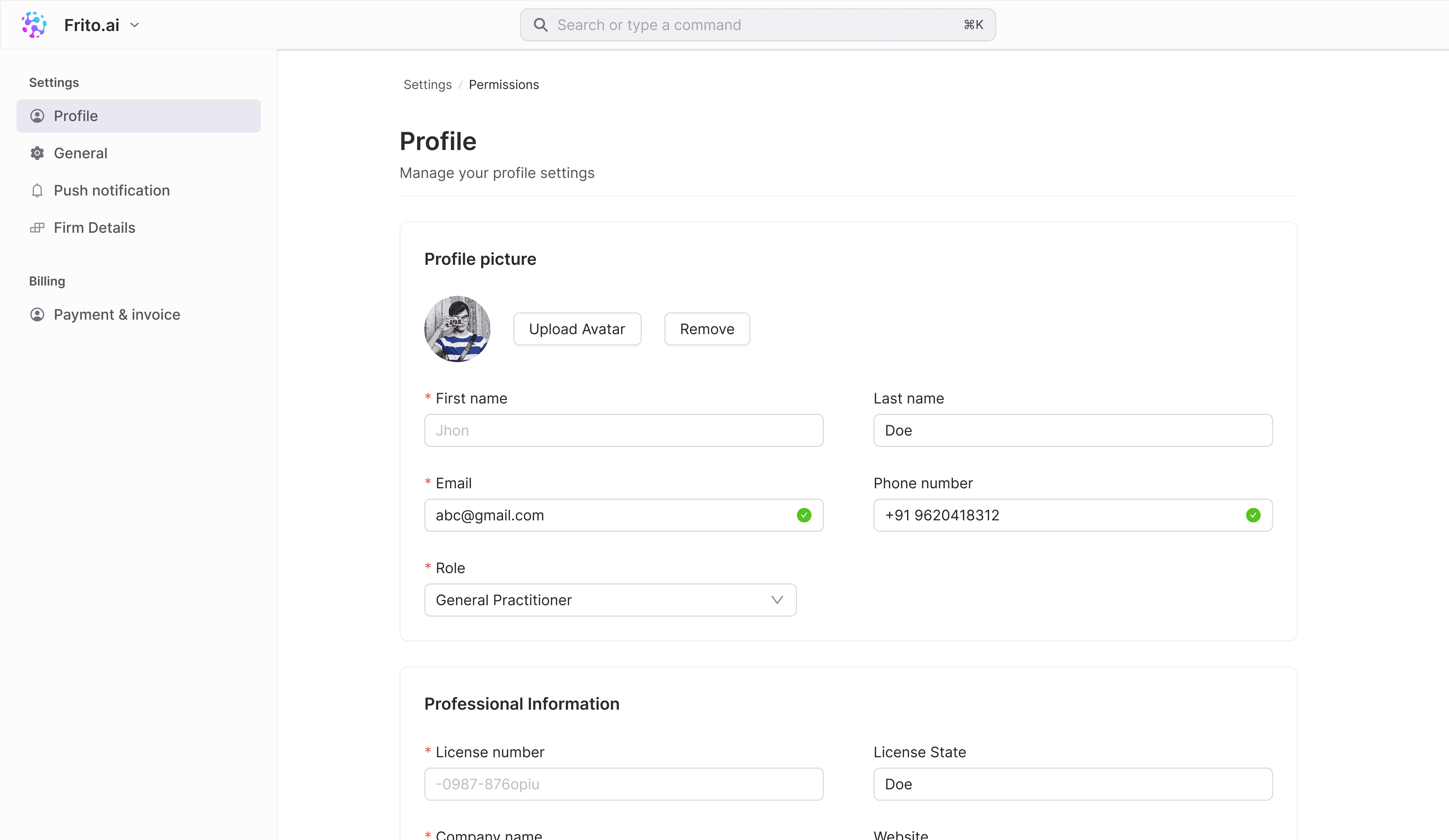
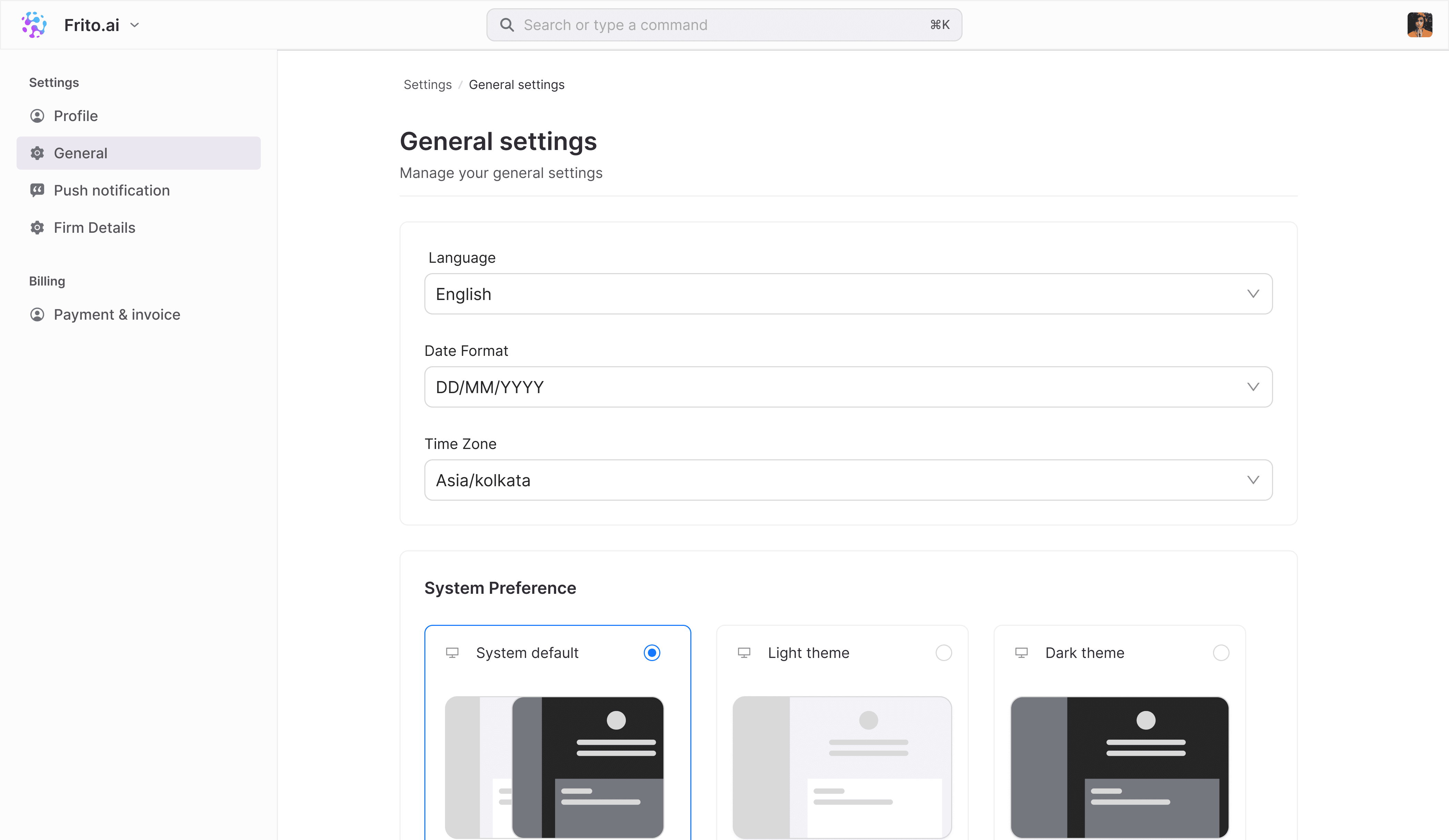
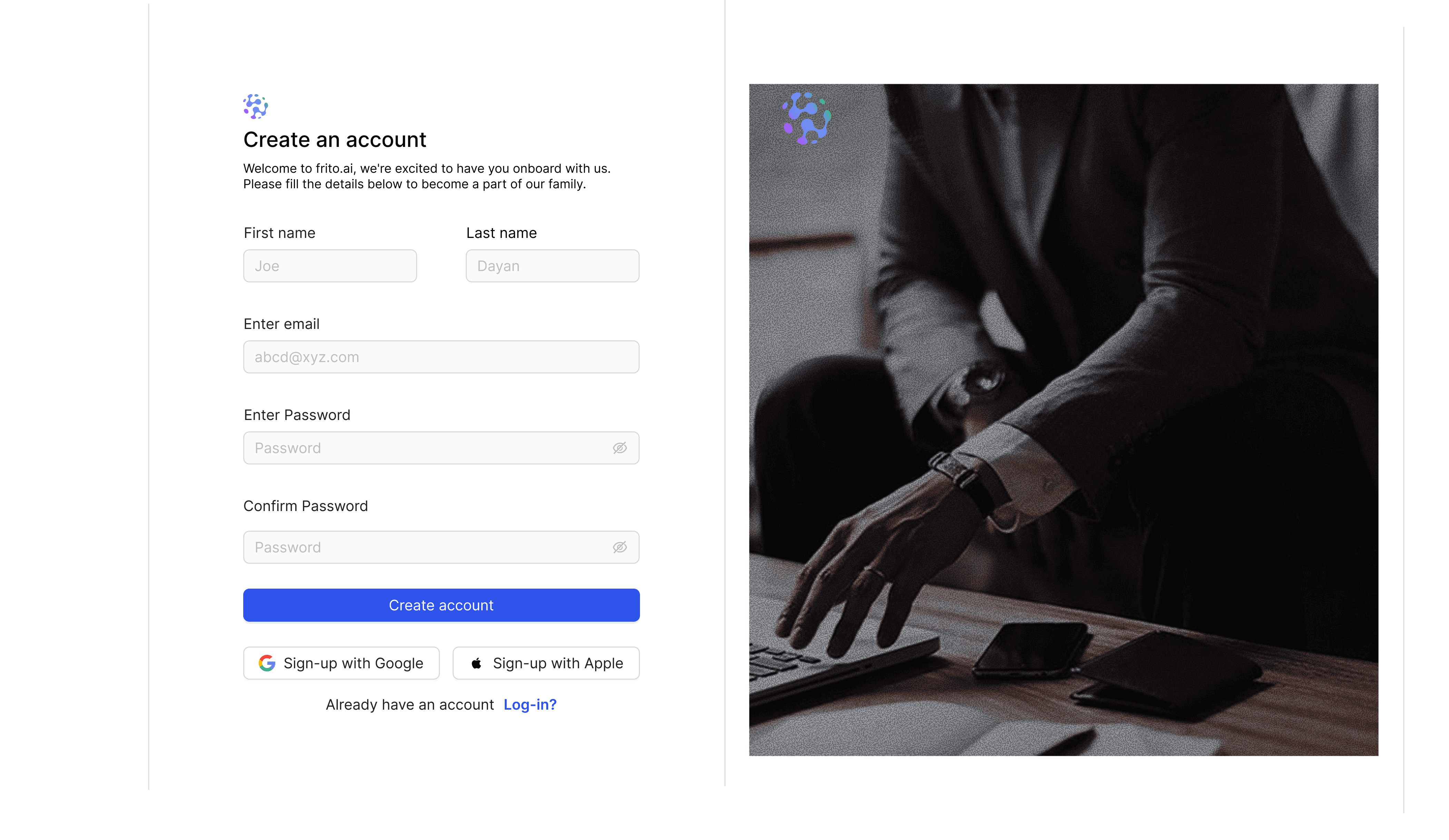
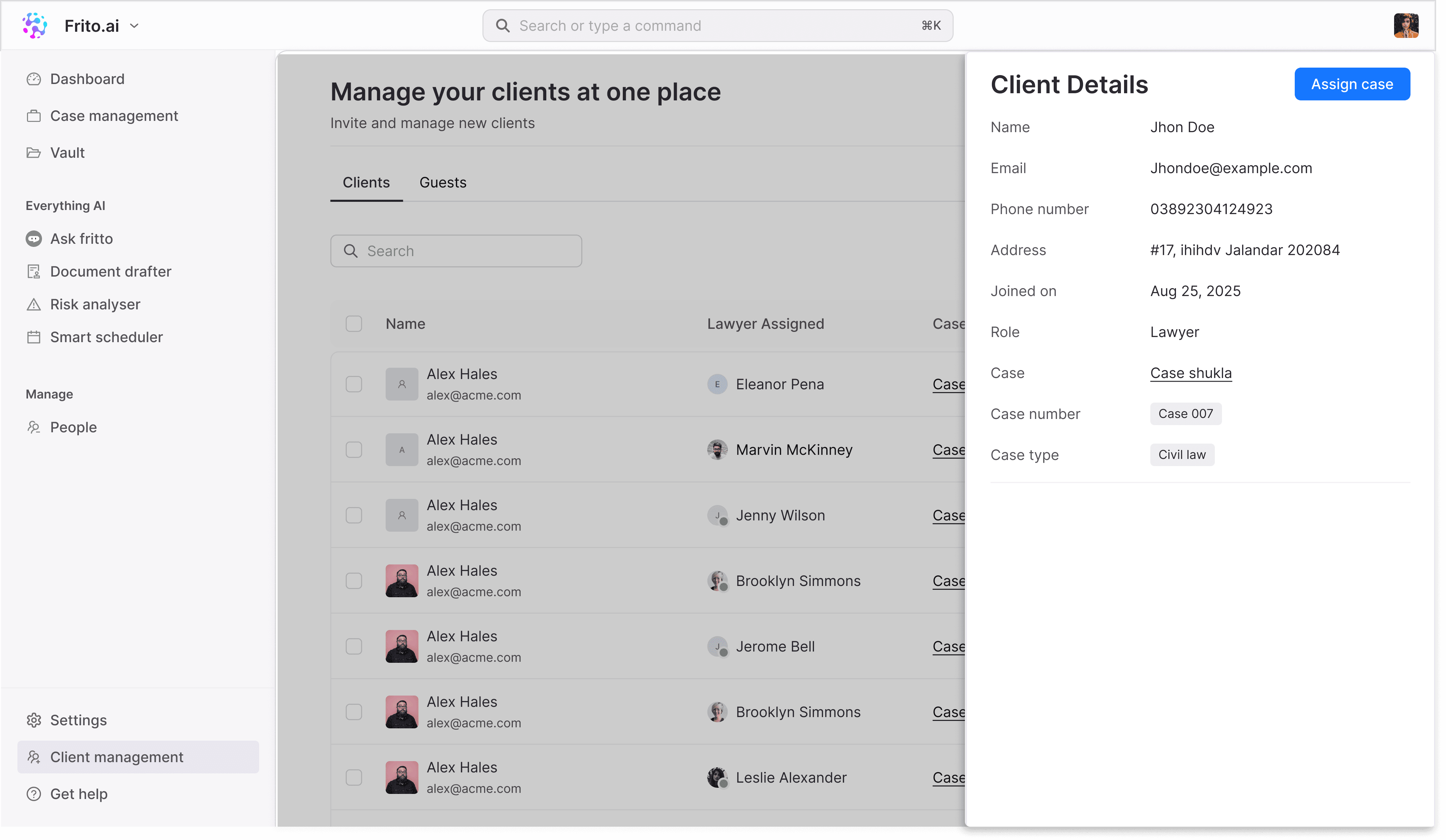
07— Design for different users.
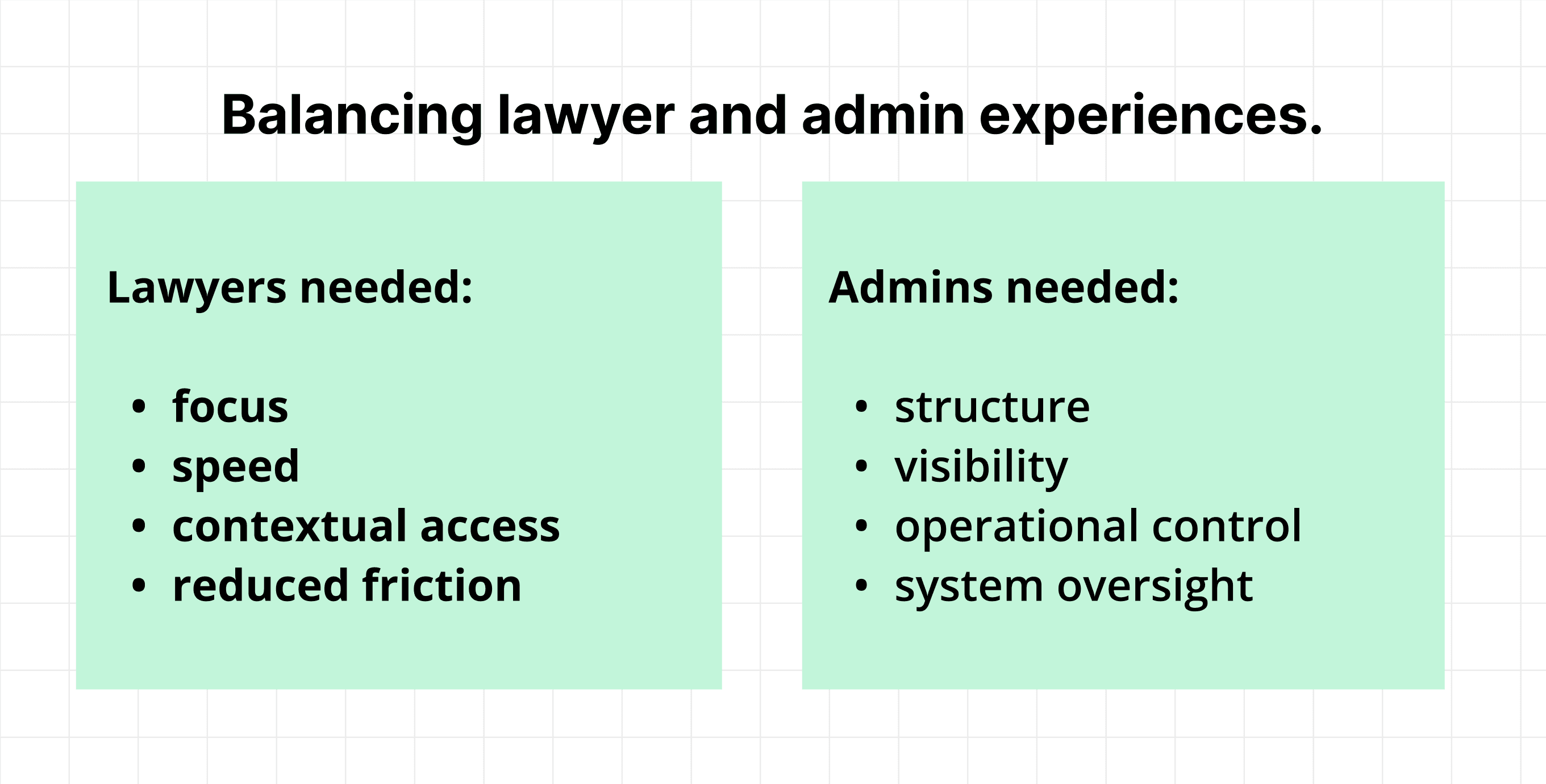
Balancing lawyer and admin experiences.
One of the biggest UX challenges was designing for two very different mental models within the same platform.
My learnigs
This project became a deep exercise in systems thinking, AI UX, and solo product design execution. Working independently meant balancing research, strategy, interaction design, copy, workflows, and product thinking simultaneously.
A major learning was understanding how large platforms structure complexity through information architecture, progressive disclosure, and workflow prioritization rather than feature-heavy interfaces.